December 16, 2025
Curated Tools for Academics, Business & Creative Research

Researchers are stuck spending most of their day on everything except real research. Studies show nearly 60% of their time goes into chasing files, managing tabs, and shuffling information between apps, while only 27% is spent on actual discovery.
Meanwhile, AI is exploding in every direction. According to McKinsey's latest AI survey, 88% of organizations now use AI in at least one business function. That's up from 78% last year. The global market has already crossed $391 billion and continues growing. On paper, AI should be the fix.
But the reality is messier. The AI tool ecosystem is overcrowded, confusing, and full of big promises. Some platforms hallucinate citations that never existed. Others bury basic tasks under layers of unnecessary features no one asked for. Pick the wrong one and you end up wasting more time than you save.
Different researchers need different things. Academics need peer reviewed sources and accurate citation tracking. Business analysts need real time data and clean visualizations. Creative professionals need visual organization that ties images, videos, and web content together. No single tool delivers across all of these needs.
So we researched more than 20 AI research tools to find the ones that actually work. This guide breaks down 12 of the best across five categories: literature discovery, data analysis, PDF intelligence, visual synthesis, and general AI assistants. You will see which tools complement each other and how to build a research stack that genuinely saves time instead of stealing it.
Before diving into individual tools, here are our top recommendations at a glance.
Key Takeaways
Best overall for visual synthesis: Kosmik combines an infinite canvas with built-in browser and AI-powered organization
Best for academic literature: Elicit automates systematic reviews; Consensus shows scientific agreement
Best for quick research: Perplexity delivers cited answers; ChatGPT handles versatile assistance
Best for data analysis: Julius lets you query data in plain English without coding
Best for PDF analysis: SciSpace explains papers; ChatPDF offers simple Q&A
Key insight: No single tool does everything. The best approach combines specialized tools for discovery, analysis, and synthesis
Understanding Different Types of Research and Tool Needs
Not all research is the same. The AI tools that help an academic researcher conducting a systematic review won't necessarily help a product designer gathering user insights.
Here's what different researcher types actually need.
Academic Research Needs
Academic researchers face information overload. Every week brings thousands of new publications. Literature reviews demand significant time and resources.
As mentioned earlier, most working hours go into administrative tasks rather than actual discovery. You need tools that cut through the noise.
Key challenges:
Finding relevant papers in databases with millions of publications
Verifying citation accuracy and understanding how papers cite each other
Managing hundreds of references across projects
Understanding complex methodologies and statistical analyses
Conducting systematic reviews that traditionally take months
What academic researchers need most:
Peer-reviewed source filtering and academic search engines
Citation verification and tracking tools
PDF annotation and organization capabilities
Systematic review automation
Integration with reference managers like Zotero, Mendeley, EndNote
Business and Market Research Needs
Business researchers operate in a different world. You need real-time data, not papers from 2022.
Nearly 43% of researchers globally say identifying AI-generated responses is a challenge. However, 87% of market researchers feel confident about their job security despite AI advances (Qualtrics 2024). Evolving skills and industry adaptation drive this confidence.
Budget constraints loom large. Many researchers face reduced budgets while expectations increase.
Key challenges:
Integrating data from multiple disparate sources
Speed to insights with tight deadlines
Demonstrating ROI on research investments
Keeping up with new AI-powered methods
Managing both qualitative and quantitative data
What business researchers need most:
Real-time data analysis and natural language query capabilities
Multi-source data integration
Fast visualization generation
Competitive intelligence gathering
Clear, presentation-ready outputs
General and Creative Research Needs
Creative researchers, UX professionals, content creators, and designers work differently. Your research isn't linear. You collect inspiration from everywhere: websites, images, videos, articles, social media, conversations.
Visual information is processed significantly faster than text, reducing cognitive load and enhancing creativity. Research shows visuals can be processed up to 600 times faster depending on complexity and context.
Key challenges:
Non-linear, exploratory research workflows
Managing multimedia content across formats
Making connections between disparate sources
Collaborating with teams on visual projects
Synthesizing research into actionable insights
What creative researchers need most:
Visual organization and spatial thinking tools
Multi-format content support (images, videos, PDFs, web pages)
Flexible, non-hierarchical organization
Collaboration features for team projects
Synthesis tools that reveal connections
Now that you know what different researcher types need, let's look at the tools that deliver. We've organized them into five categories: visual synthesis, literature discovery, general AI assistants, data analysis, and PDF tools.
Best AI Research Tools by Category (Ranked)
Visual Research and Synthesis Tools
Most AI research tools help you find and analyze information. Few help you organize and synthesize it.
That's the gap visual research tools fill. While academic search tools discover papers and data tools crunch numbers, visual synthesis tools help you make sense of everything. They're perfect for moodboarding, research mapping, and visual thinking.
1. Kosmik: Best for Visual Research Synthesis
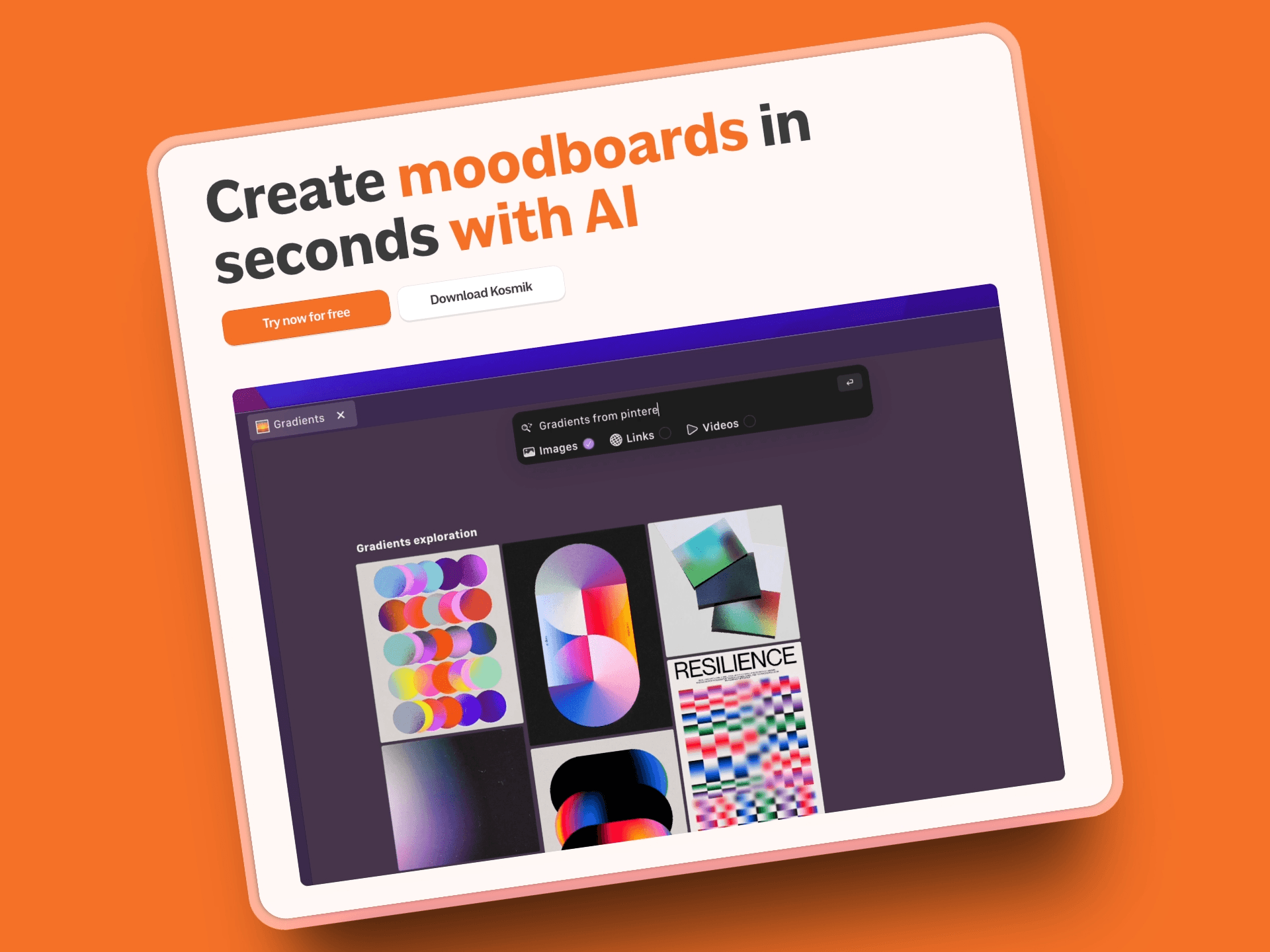
Kosmik is a visual workspace built specifically for researchers who think spatially and work across multiple formats.
The problem it solves: You're juggling 15 browser tabs, a notes app, PDF folders, and image collections across three different tools. Nothing connects. You lose context every time you switch.
The solution: One infinite canvas where web pages, PDFs, images, videos, notes, and data visualizations live together. See everything. Make connections. Stay in flow.
Think moodboarding meets research organization meets AI-powered synthesis.
Key Features
Built-in browser (press 'W'): Browse any website without leaving Kosmik. Zero app-switching means you stay in flow state.
Infinite canvas workspace: Organize research spatially instead of in rigid folders. Your brain works visually. So should your tools.
AI auto-tagging and smart search: AI automatically categorizes content by colors, themes, subjects, and visual elements. Find anything instantly.
Native PDF reader with OCR: View, annotate, and extract text from PDFs directly on your canvas. No separate PDF reader needed.
Multi-format support: PDFs, images, videos, web pages, documents, and notes all work natively. Everything in one place.
Web Clipper extension: Capture content from anywhere on the web. Clips arrive in your Kosmik Inbox ready to organize.
Real-time collaboration: Work simultaneously with team members. See changes live, leave comments, share workspaces.
Connector system: Create visual links between related items. Show how ideas connect.
AI content tools: Summarize PDFs, explain complex content, transcribe video audio. Select an item, click the magic wand, get AI assistance.
Pros
Handles all content types in one unified workspace, no app-switching between browser, notes, PDFs, and files
Visual canvas organization reveals patterns and connections that linear documents hide
Built-in browser eliminates the constant back-and-forth between research and organization
AI features actually enhance your workflow without getting in the way (auto-tagging, visual search, content summaries)
Real-time collaboration makes team research visual and intuitive instead of scattered across tools
Affordable pricing: $11.99/month (yearly) for unlimited everything, compared to research tools costing $200+/month
Connector system creates visual maps of how your research connects
Perfect for non-linear, exploratory research that doesn't fit into traditional hierarchical structures
Cons
Different paradigm from traditional folder-based organization. Slight learning curve if you're used to hierarchical file systems
Best value comes from using it as your research hub rather than just for occasional projects
Pricing
Free Trial: 1 week with full Pro features
Kosmik Pro: $11.99/month (yearly) or $14.99/month (monthly). Unlimited workspaces, sharing, universes, items, file imports (no size limit), AI requests, and priority support.
Ambassador: $16.99/month (yearly) or $20.99/month (monthly). Everything in Pro plus dedicated Slack channel, fonts support, brand kits, Figma plug-in, feature previews, and MCP integrations.
Enterprise: Custom pricing. Everything in Pro plus custom onboarding, team management, workspace management, and dedicated support.
User Reviews
Tool Finder rates it 8.6/10
Kosmik is trusted by researchers, designers, and creative professionals globally at top organizations. Users consistently praise the visual canvas approach for revealing research connections that traditional tools miss.
The recent UI refresh further improved navigation and user experience based on community feedback.
Why Kosmik is the Best AI Research Tool
Key point: While specialized AI tools excel at specific tasks (Elicit finds papers, Julius analyzes data, Perplexity searches the web), Kosmik is where everything comes together.
Research isn't just about finding information. It's about synthesizing it into new understanding. Other AI tools help with the finding. Kosmik helps with the synthesis.
You can use Elicit to discover academic papers, Perplexity for quick web research, and Julius for data analysis. Then bring it all into Kosmik to organize spatially, make connections, collaborate with your team, and develop insights.
The infinite canvas mirrors how your brain actually processes complex information: spatially, visually, with relationships between ideas visible at a glance.
Check out this demo video to see the visual workspace in action. Learn more about the built-in browser, video player capabilities, and infinite canvas use cases.
Best For
Researchers who think visually and need to see connections between ideas
Creative professionals managing inspiration across images, videos, web pages, and notes
Teams collaborating on complex research projects requiring visual synthesis
UX researchers organizing user insights, screenshots, and findings
Anyone managing research across multiple formats who's tired of app-switching chaos
Content creators building research boards for articles, videos, or presentations
Designers collecting and organizing visual references and mood boards
Literature Discovery and Academic Search Tools
Academic research has unique needs: peer-reviewed sources, citation accuracy, systematic review capabilities.
These AI tools search academic databases with millions of papers and help you find what matters.
2. Elicit: Best for Academic Literature Reviews
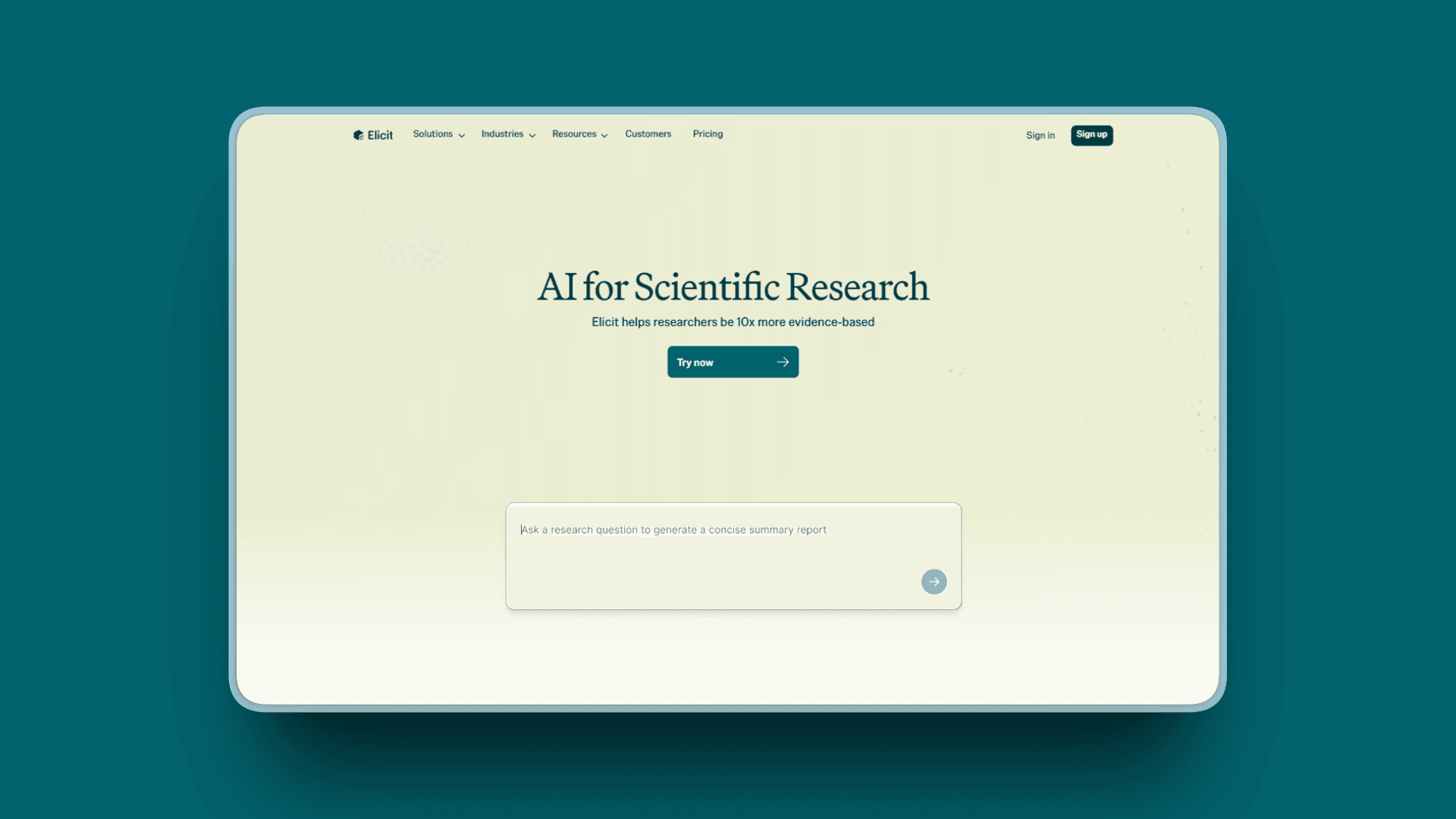
Elicit automates the most time-consuming parts of literature reviews. Upload a research question, get a structured table comparing relevant papers with extracted methods, results, and conclusions.
Academic researchers report significant time savings on systematic reviews using Elicit.
Key Features
Find up to 1,000 relevant papers from academic databases using natural language queries
AI-generated paper summaries with key findings, methodology, and limitations extracted automatically
Custom columns and data extraction: Create comparison tables extracting specific details like sample size, statistical methods, outcomes
Elicit Reports: Fully automated rigorous research overviews synthesizing findings across papers
Systematic Review workflows that turn months-long processes into minutes
Research alerts notifying you when new relevant papers publish
Notebooks for unified analysis across multiple searches
Zotero integration for seamless reference management
Pros
Dramatically speeds up literature reviews and systematic review screening
Excellent paper organization with side-by-side comparison tables
Custom columns let you extract exactly the data you need for analysis
Academic-quality source filtering ensures peer-reviewed, reliable sources
High-accuracy mode improves extraction quality for critical reviews
Saves dozens of hours on systematic reviews compared to manual screening
Natural language queries make searching intuitive
Cons
Limited to academic papers, not useful for general web research or business intelligence
May miss very recent publications or niche journals not yet indexed
Free tier quite limited (20 data extractions/month), most serious use requires paid plans
Academic research shows sensitivity averaged 39.5% compared to 94.5% in original systematic reviews, so use as supplementary tool, not replacement
Requires careful query formulation to get best results
Pricing
Basic (Free): Unlimited search, unlimited chat/summaries (4 papers at once), 20 data extractions/month, 2 custom columns
Plus: $12/month or $120/year. 600 data extractions/year, export to CSV/BIB/RIS, high-accuracy mode, 5 custom columns
Pro: $49/month or $499/year (billed annually). 2,400 data extractions/year, dedicated systematic review workflows, 20 custom columns, research alerts
Enterprise/Team: Custom pricing with volume discounts, custom workflows, co-branding, dedicated support
User Reviews
Elicit has a 4.5/5 rating on G2. Academic researchers praise the dramatic time savings on literature reviews. Users highlight the structured data extraction and systematic review automation as game-changers for research workflows.
Best For
Academic researchers conducting literature reviews or systematic reviews
Graduate students synthesizing research for dissertations
Meta-analysis authors needing structured data extraction across papers
Evidence-based researchers requiring rigorous methodology
Anyone who needs to compare findings across multiple academic papers
3. Consensus: Best for Evidence-Based Questions
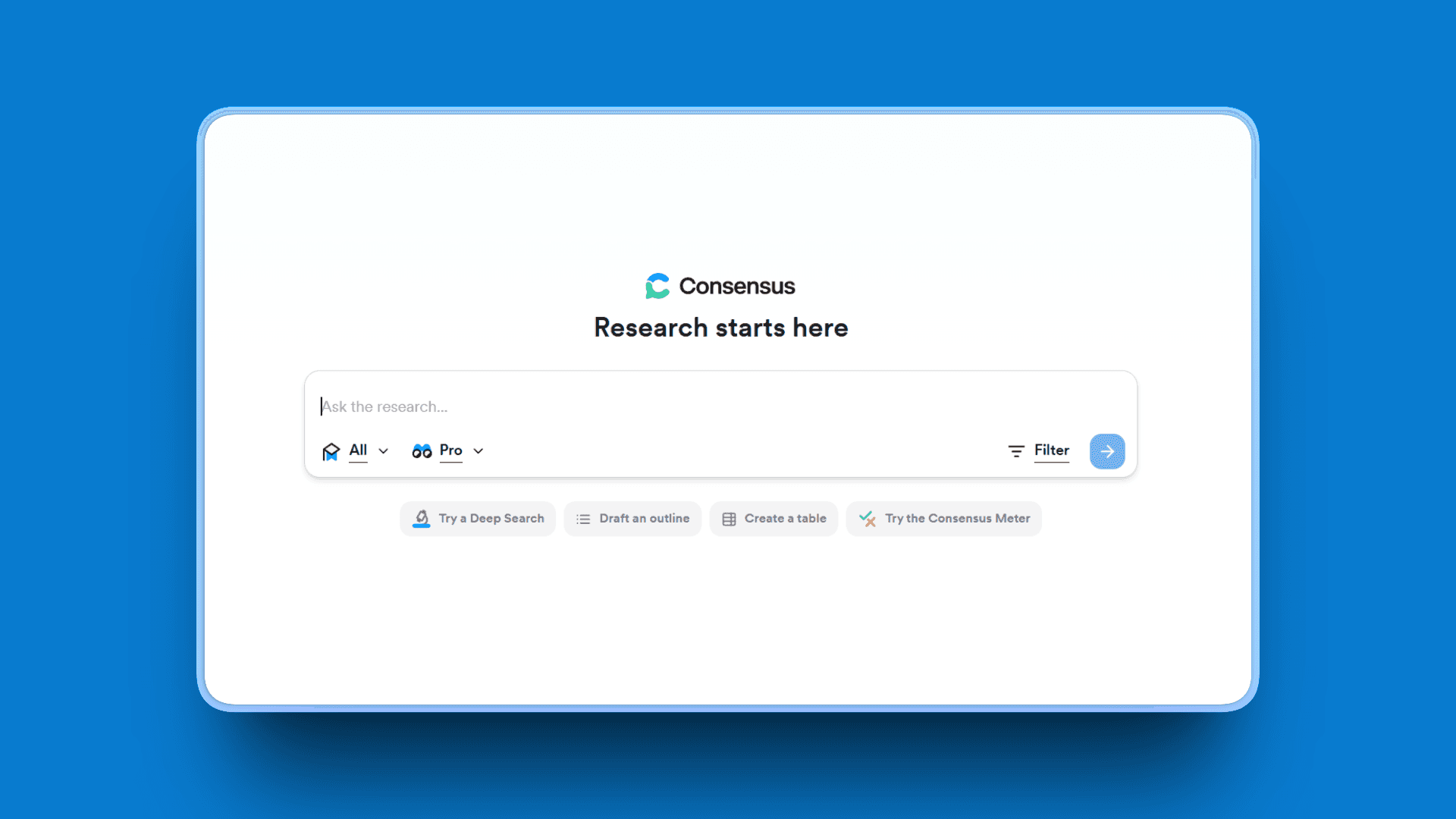
Consensus answers specific research questions by showing what the scientific consensus actually says. Ask a yes/no question, get a meter showing agreement/disagreement across studies.
Instead of reading 50 papers to understand the state of research, see the consensus in seconds.
Key Features
Searches 200+ million academic papers to answer questions with scientific evidence
Consensus Meter shows percentage of studies supporting, opposing, or neutral on claims
GPT-4 powered summaries synthesize findings across multiple papers
Smart citations with word-for-word quotes from papers to mitigate AI hallucinations
Study quality indicators including methodology counts, journal rankings (SJR scores), and citation sums
Classification system categorizing papers as supporting, contrasting, or mentioning your query
Not a chatbot: Search engine using AI to summarize real scientific papers, not generating text
Pros
Fast fact-checking with scientific backing and clear source attribution
Visual consensus meter makes it easy to understand where research leans
Excellent for validating hypotheses before diving into deep research
Word-for-word quotes reduce hallucination risks compared to pure generative AI
Even free version powerful enough to be useful for students and casual researchers
Quality indicators help assess study reliability
40% student discount with verified academic email makes it affordable
Cons
Best for yes/no questions, less effective for exploratory "what are the factors" type research
Limited filtering options compared to specialized academic databases
AI filtering may miss some relevant research (incompleteness concern)
Stochastic nature means different results over time (irreproducibility concern)
Focuses only on academic sources, not useful for general research
Pricing
Free: Unlimited search, 25 Pro Searches/month, 3 Deep Searches/month, 10 GPT-4 Pro Analyses, 10 Study Snapshots
Pro: $11.99/month or $107.88/year. Unlimited Pro Searches, 15 Deep Searches/month, unlimited GPT-4 Pro Analyses, unlimited Study Snapshots, unlimited bookmarks and lists
Deep: $45/user/month (annually). 200 Deep Searches/month for power users and researchers
Teams: $12.99/seat monthly or $120/seat annually. Discounts up to 200 seats, centralized account management, API access
Enterprise: Custom pricing for large teams with thousands of users, complete data privacy
Student Discount: 40% off with verified academic email
User Reviews
Consensus receives a solid 4.7/5 rating on G2. Users praise the clean interface with citations front and center. The visual consensus meter helps quickly understand scientific agreement.
Best For
Researchers needing quick consensus checks on specific scientific questions
Students fact-checking claims for papers and assignments
Evidence-based professionals (clinicians, policymakers) seeking research-backed answers
Anyone validating hypotheses before committing to deep research
Journalists and writers needing scientific verification for claims
4. Scite: Best for Citation Verification
Scite shows how research papers are actually cited: Do later studies support the findings, dispute them, or just mention them?
This matters. A paper with 500 citations sounds authoritative until you discover 300 of those citations dispute the findings.
Key Features
Smart Citations categorizing references as supporting, contrasting, or mentioning original work
1.4 billion+ citations indexed across scientific literature
Partners with 30+ publishers serving 2 million users worldwide
AI research assistant for citation-backed answers to questions
Citation tracking showing how your work or key papers are cited over time
Personalized dashboards for monitoring research areas
Citation alerts notifying you when papers are cited in new work
Browser extensions for Zotero, Mendeley, EndNote integration
Word plugin for inserting smart citations directly into manuscripts
Reports and visualizations revealing citation patterns and research trends
Pros
Unique citation context analysis reveals how scientific community actually responded to research
Helps verify research reliability and identify disputed claims before relying on them
Good filtering by journal quality and study type
Prevents building research on disputed or retracted findings
Unlimited assistant chats, searches, reference checks, dashboards, and alerts on paid plan
7-day free trial lets you try before committing
Cons
Free version very limited (trial only), requires paid subscription for serious use
Learning curve for understanding citation classification nuances
Not always fastest to index very recent papers
Some reviews note AI assistant can hallucinate fabricated quotes and sources, requiring verification
Criteria for scoring can be subjective and occasionally inaccurate
Pricing
Personal Plan: $12/month (billed annually, $144/year) or €15.92/month monthly
7-day free trial for new users
Enterprise Plan: Custom pricing with all features, customized data rules, centralized billing/admin, domain/IP access rules, personalized training
Discounts: Available for students and academics who recommend to institutions
User Reviews
Scite receives a 4.7/5 rating on G2.Users praises the feature classifying supporting/contrasting evidence as indispensable for writing papers and saving time.
Best For
Academic researchers validating citations for papers and grants
Meta-analysis authors assessing how studies build on each other
Anyone wanting to understand scientific debates and disputed findings
Researchers tracking how their own work is cited
Graduate students learning to critically evaluate scientific literature
5. ResearchRabbit: Best for Citation Network Mapping
ResearchRabbit creates a "Spotify for papers" experience. Start with one foundational paper, discover an entire research landscape through visual citation networks.
Note: ResearchRabbit was acquired by Litmaps and relaunched with a freemium model. The core free features remain robust.
The visual approach reveals connections you'd never find through keyword searching alone.
Key Features
Visual citation maps and networks showing how papers connect through references
Author collaboration graphs revealing research communities and partnerships
Paper collections with automatic updates when new related research publishes
Timeline views showing research evolution over years
AI-powered recommendations based on your collection and interests
Collection sharing for collaborative literature reviews
Interactive visualizations with dynamic graphs and co-authorship networks
Learning from interactions: The more you use it, the smarter recommendations become
Two-way Zotero integration for seamless reference management
Enhanced by Litmaps acquisition bringing millions of articles, smarter searches, and advanced filters
Pros
Generous free tier for researchers with robust core features
Excellent for exploratory research when entering new fields
Visual network mapping reveals research communities and key papers
Saves dozens of hours in initial discovery phase
Seamless Zotero integration fits existing workflows
Modern, welcoming UI with clean lines and intuitive interactions
Great for deep discovery of connections keyword searches miss
Paper recommendations improve as you curate collections
Cons
Core database partially outdated post-2021, may miss very recent research
"Black box" algorithm makes it hard to understand why papers are recommended
Risk of algorithmic bias in recommendation system
UI can be overwhelming for new users unfamiliar with network visualizations
Now operates on freemium model following Litmaps acquisition (some advanced features require paid plan)
Heavy research and collaboration features may require paid plans
User Reviews
ResearchRabbit receives a 4.5/5 rating on G2 reviewers call it "worth it with awareness of limitations" and recommend it as a key tool but not the only tool.
Best For
Researchers exploring new fields and mapping citation landscapes
Literature review authors discovering related papers through network connections
Visual learners who understand relationships better through graphs than lists
Collaborative research teams sharing and building collections together
Graduate students learning the structure of research communities
General AI Research Assistants
Sometimes you don't need a specialized academic tool. You need a versatile assistant that can help with any research task.
General AI assistants excel at exploration, explanation, and quick research scans.
6. Perplexity: Best for Quick Research Scans
Perplexity combines search with AI synthesis. Ask a question, get a comprehensive answer with citations to real sources.
It's what search should have been all along: actual answers instead of 10 blue links.
Key Features
Real-time web search with current information and source citations for every claim
Multiple AI model selection: GPT-4o, Claude 3.5 Sonnet, Claude 3 Opus, Gemini 2.5 Pro, o3-pro
File analysis supporting PDFs, CSVs, audio, video, images
Perplexity Labs (Pro/Max): Turn prompts into reports, spreadsheets, dashboards, web apps with citations
Follow-up questions suggested automatically based on your query
Image generation for visual content needs
Clean, minimal UI without ads or clutter
Focus Mode for organized multi-source research on complex topics
Pros
Fast and accurate for general research with excellent source citations
Good for current events, trends, and recent developments
Clean interface without information overload
Works without login for basic searches
Multiple AI models give you best-in-class performance for different query types
File upload and analysis on Pro plan handles multimedia research
Perplexity Labs transforms research into actionable outputs (reports, dashboards)
Cons
Not specialized for academic research, missing peer-review filtering
Can return redundant sources from similar websites
Focus Mode sometimes unavailable for very niche topics
AI hallucinations still occur, always verify important claims
Some users report declined performance over time
Customer support limited, especially on free tier
Sources sometimes behind paywalls
Pricing
Free: Zero cost, unlimited basic searches, 5 Pro searches daily, limited advanced features, basic file uploads
Pro: $20/month or $200/year. 300+ daily Pro searches, access to all top AI models (GPT-4o, Claude 3.5, Gemini 2.5, o3-pro), unlimited file uploads, $5 monthly API credits, Perplexity Labs access
Max: $200/month or $2,000/year. Unlimited Labs features, unlimited dashboards/spreadsheets/presentations, priority access to latest features
Enterprise Pro: $40/month per user or $400/year. Team features and admin controls
Enterprise Max: $325/seat/month. Full advanced-model access, expanded storage/bandwidth
User Reviews
Perplexity receives a 4.6/5 rating on G2 based on 77 reviews. Users praise fast, accurate, conversational, cited answers. Information synthesized from various sources saves research time.
Best For
Business professionals seeking quick competitive insights and market trends
Students and researchers needing cited information for assignments
Anyone staying updated on recent developments requiring current sources
General research requiring source attribution and verification
Market analysts tracking real-time industry changes
7. ChatGPT: Best for Versatile Research Assistance
ChatGPT is the Swiss Army knife of research tools. While it's not specialized for academic papers or data analysis, its versatility makes it valuable across research types.
800 million weekly active users make it the most widely adopted AI tool.
Key Features
Natural language conversation for exploring topics and asking follow-up questions
Deep research (Pro plan): Multi-step research synthesizing hundreds of sources into comprehensive reports (Free: 5/month, Plus: 25/month, Pro: 120/month)
File upload and analysis for PDFs, spreadsheets, images (GPT-4o and above)
Web browsing for current information beyond training data cutoff
Code generation for data analysis in Python, R, or other languages
Conversation memory maintaining context across sessions
Custom GPTs creating specialized assistants for specific research tasks
Advanced Voice mode for conversational research exploration
Data analysis features with interactive charts and tables from datasets
GPT Store access to specialized research GPTs built by community
Pros
Extremely versatile across all research types and disciplines
Conversational interface is intuitive and easy to learn
File analysis saves time on document review and data exploration
Excellent for brainstorming, generating research frameworks, and understanding complex concepts
Deep research feature creates analyst-level reports in minutes instead of hours
Large community means many tutorials and specialized GPTs available
Free tier still useful for basic research assistance
Cons
Free version quite limited (GPT-4o mini only, restricted features)
Sometimes provides generic answers without sufficient depth or nuance
Doesn't always cite sources unless browsing enabled
Can hallucinate facts if not verified, especially important claims
Not compliant with FERPA, HIPAA, or GDPR in free version
Privacy concerns: Free version data may be used for training
Pricing
Free: GPT-4o mini model, web-augmented responses, GPT Store access, file/photo uploads, limited Advanced Voice mode, limited GPT-4o and o3-mini
Plus: $20/month. 80 messages to GPT-4o every 3 hours, unlimited GPT-4o mini, access to o3-mini and o1 models, Advanced Voice mode with video/screen sharing, 25 deep research queries/month, upgraded data analysis
Pro: $200/month. Unlimited reasoning models, GPT-4o, Advanced Voice mode, 120 deep research queries/month, o1 pro mode, Operator web-browsing agent, more Sora video generations, unlimited GPT-5 messages with thinking mode
Team: $30/user/month or $25/user/month annually (up to 149 users). Dedicated workspace and admin tools
Enterprise/Edu: Custom pricing for organizations
User Reviews
ChatGPT receives a 4.7/5 rating on G2. Users praise the versatility across research tasks: brainstorming, explaining complex concepts, and generating frameworks. The deep research feature on Pro plan gets particular praise for synthesizing information across hundreds of sources.
Best For
General research assistance across any topic or discipline
Brainstorming research questions and generating frameworks
Quick explanations of complex concepts and methodologies
Data analysis and visualization (Plus/Pro plans)
Multi-step research projects synthesizing diverse sources (Pro plan with deep research)
Content generation and research writing assistance
Data Analysis Tools
Research isn't complete until you analyze the data. AI data analysis tools let you query databases using natural language instead of code.
8. Julius: Best for Data Analysis Without Coding
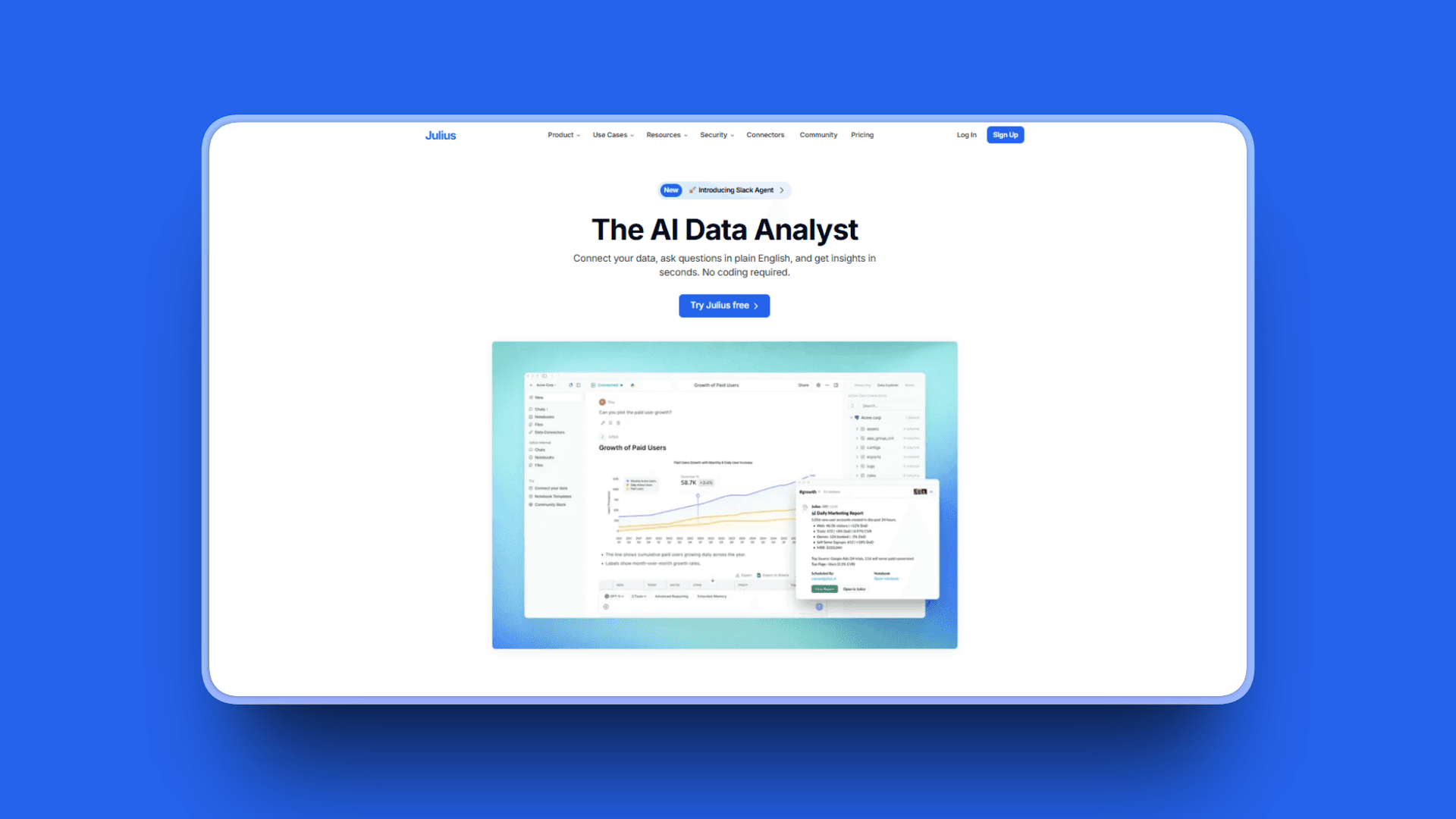
Julius is an AI-powered data analyst that understands natural language. Ask questions about your data in plain English, get instant visualizations and statistical insights.
No SQL or Python required.
Key Features
Natural language queries: Ask questions about data without writing code
AI-powered data analyst handling CSV, Excel, PDF, Google Sheets uploads
Step-by-step solutions with p-values, sample sizing, visualizations, ANOVA tests automatically generated
Variety of visualization types: Line, bar, scatter, pie, histogram, box plots, maps, networks, treemaps, Gantt charts, 3D plots, interactive Plotly/Bokeh/Dash charts
Data connectors: Snowflake, BigQuery, PostgreSQL, Google Drive, OneDrive integration
Notebooks for reusable workflows and recurring analysis
Scheduled automated refreshes for dashboards and reports
Generated R/Python code so you can learn or customize analysis
Handles 8-32 GB files depending on plan (ChatGPT limited to 512MB)
31% higher accuracy than GPT-4 on math and statistical tasks
SOC 2 Type II certification and GDPR compliance in progress
Pros
No coding or SQL required for data analysis, accessible to non-technical researchers
Quick insights from structured data with automatic visualization
Good for recurring analysis with saved notebooks and scheduled reports
Clear, professional visualizations ready for presentations and reports
Handles significantly larger files than ChatGPT (up to 32GB vs 512MB)
Uses both R and Python for comprehensive statistical capabilities
Excels at speed and usability for teams without data science backgrounds
Cons
Focused on business data and basic statistics, not specialized academic statistical methods
Requires clean, well-structured data for best results
Less useful for qualitative research or unstructured data
Monthly usage caps on lower-tier plans can be frustrating for heavy users
AI can be slow at times processing complex queries
Offline capabilities limited
Pricing
Free: $0/month. 15 messages/month, basic Notebooks, Google Drive connector, 2 GB RAM
Plus: $20/month. 250 messages, all Plus AI models, Advanced Reasoning, saved prompts, 16 GB RAM
Pro: $45/month. Unlimited messages, all Pro AI models, unlimited file storage, team collaboration, Data Connectors (PostgreSQL, BigQuery, Snowflake), 32 GB RAM
Premium Team: $50/user/month. Centralized billing, longest input lengths, largest files, longest runtime
Student/Educator Discounts: 50% off (email before subscribing, bringing price to $10-$20/month)
Annual Discount: 15% savings on yearly billing
User Reviews
Julius receives a 4.5/5 rating on G2. Users praise Julius for simplifying number crunching and data analysis with significant time savings and productivity increases.
Best For
Business analysts and market researchers working with structured data
Quantitative researchers needing statistical analysis without coding
Teams requiring collaborative data work with dashboards and reports
Anyone analyzing sales data, survey results, or experimental datasets
Non-technical professionals needing data visualization and insights
PDF and Document Analysis Tools
Research involves reading. A lot of reading. AI PDF tools help you understand dense papers, extract key findings, and answer questions about documents.
9. SciSpace: Best for PDF Reading and Academic Q&A
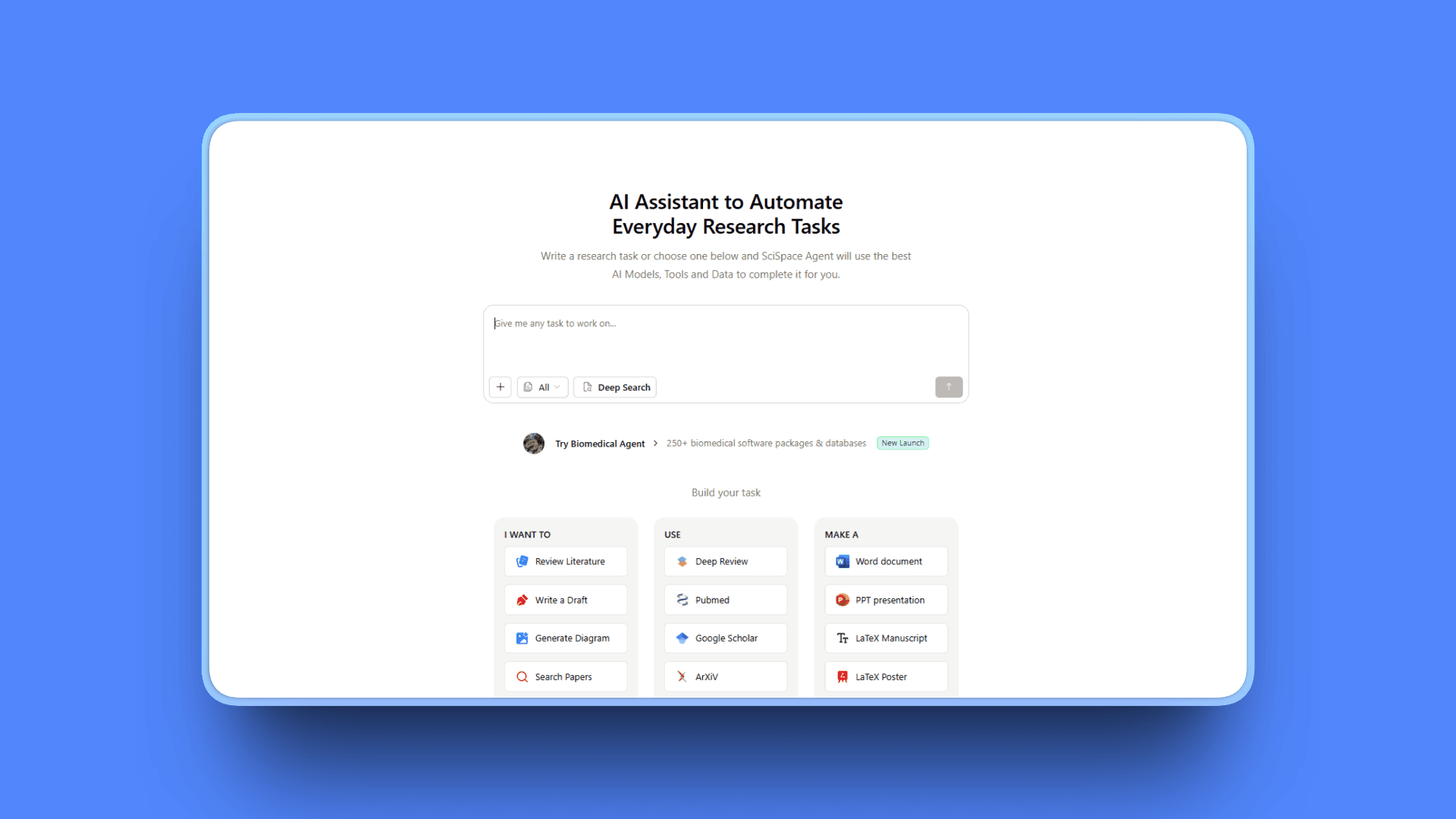
SciSpace explains research papers section by section. Upload a PDF, ask questions, get citation-backed answers explaining complex methodologies and statistical analyses.
Trusted by over 1 million researchers globally from MIT, Stanford, and other top institutions.
Key Features
Chat with PDFs: Interact with research papers, ask questions, get citation-backed answers with highlighted sections
Enhanced contextual understanding explaining complex methodologies, interpreting statistical analyses, and summarizing key findings
AI Writer generating AI-suggested content from your notes and research
Literature Review tools for discovering new research papers from 285M+ papers database
Find Topics answering questions with summarized citation-based responses
PDF to Video converting PDFs into interactive video summaries with AI-generated audio narration
Citation Generator supporting 9,000+ citation styles
Paraphraser with 20+ preset tones and adjustable word count
AI Detector checking writing sentence-by-sentence to identify AI-generated content
Pros
Excellent for reading, chatting with, and summarizing research papers
Fast, accurate, and user-friendly interface
Saves up to 70% of research time with Deep Review feature
Accurate citation generation in thousands of styles
Multiple languages supported for international researchers
All-in-one tool combining PDF reading, literature review, writing, and citation management
Work productivity improved significantly according to user reviews
Cons
Can't export documents without paid subscription
Complex interface can be hard to navigate initially
AI writes low-quality robotic text for content generation (better for analysis than writing)
Website gets slow and site crashes especially on weekends during peak usage
Free version very limited for serious research
Premium/Advanced plans costly compared to specialized PDF-only tools
Occasional AI misinterpretation of complex arguments
Pricing
Basic (Free): Limited access, limited literature review searches, standard model, restricted usage
Premium: $20/month or $12/month annually. Unlimited chats, paraphraser runs, notebook entries, RIS/CSV export, "High Quality" model tier
Teams: $18/seat month-to-month or $8/seat annually for collaborative research
Advanced: $90/month or $70/month annually for power users
User Reviews
SciSpace receives a 4.7/5 rating on Product Hunt based on 17 reviews. Users praise the ability to chat directly with research papers and get explanations of complex methodologies. Researchers highlight the Deep Review feature for saving up to 70% of reading time.
Best For
Academic researchers reading and analyzing research papers
Graduate students conducting literature reviews for dissertations
Anyone needing citation management with thousands of style options
Researchers wanting comprehensive PDF analysis with Q&A capabilities
Teams collaborating on academic writing and research projects
10. ChatPDF: Best for Quick Document Summaries
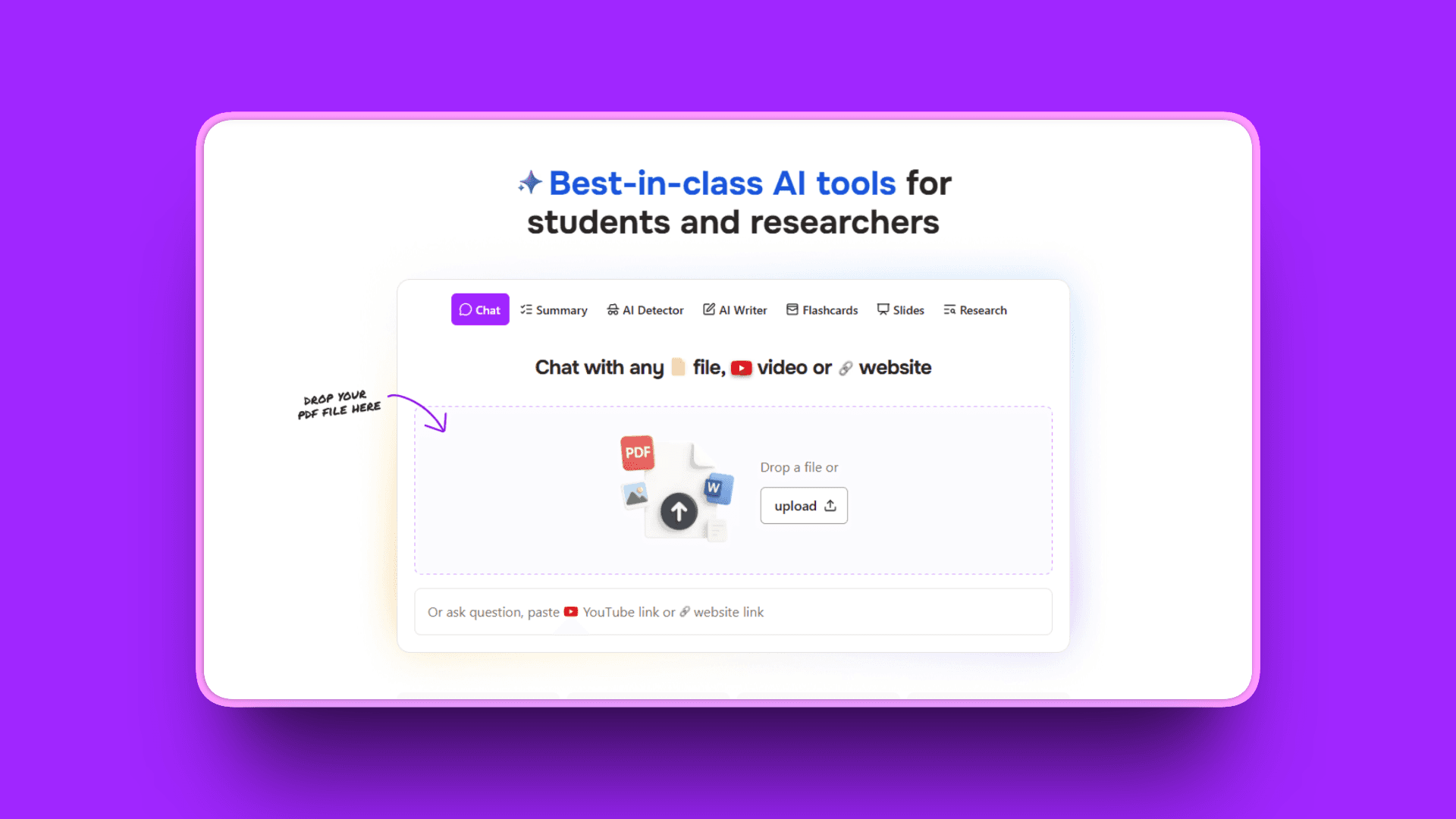
ChatPDF does one thing: lets you chat with PDFs. Upload a document, ask questions, get answers.
Simple, fast, and focused.
Key Features
Conversational AI interface chatting with PDFs like a smart assistant
Instant, precise answers to questions about document content
Intelligent PDF summarization transforming lengthy documents into concise overviews
Multiple languages support for international documents
Various PDF types: Academic papers, business reports, legal documents, books
SSL encryption for secure document transfers
User control: Manage and delete uploaded files for privacy
Enhanced accessibility with text-to-speech and adjustable text sizes
Collaborative insight sharing through secure shareable links
Pros
Simple to use, useful even for users unfamiliar with AI tools
Fast responses handling complex PDFs efficiently
Praised for ease of use and speed by reviewers
Impressive and helpful for reading research papers quickly
Accessible pricing compared to comprehensive research platforms
No learning curve, intuitive chat interface
Cons
Pricing not highly affordable: $19.99/month nearly same as ChatGPT's $20/month which includes much more functionality
Alternatives often cheaper for similar PDF chat capabilities
Fast but sometimes makes answers with no relationship to actual PDF content
Cannot combine multiple PDFs for comparative analysis
Accuracy declines in longer, complex documents (especially beyond 10 pages)
Struggles with poorly scanned documents or low-quality PDFs
Lacks batch-upload capabilities for processing multiple documents
Pricing
Free: 2 PDFs/day, 120 pages per PDF, 10 MB file size, 50 questions total
Plus: $19.99/month or $139.99/year. Unlimited PDFs, 2,000 pages per PDF, 32 MB file size, unlimited questions
Purchasing Power Parity (PPP) pricing offering lower prices for smaller economies
User Reviews
ChatPDF receives a 4.3/5 rating on Producthunt. Praised for ease of use and fast responses. Simple to use even for AI newcomers.
Best For
Quick PDF Q&A when you need specific information from documents
Individual researchers and students analyzing single papers at a time
Document summarization for initial screening and triage
Anyone wanting simple, no-frills PDF interaction
Reading assistance for understanding dense documents
11. Scholarcy: Best for Creating Paper Summaries and Flashcards
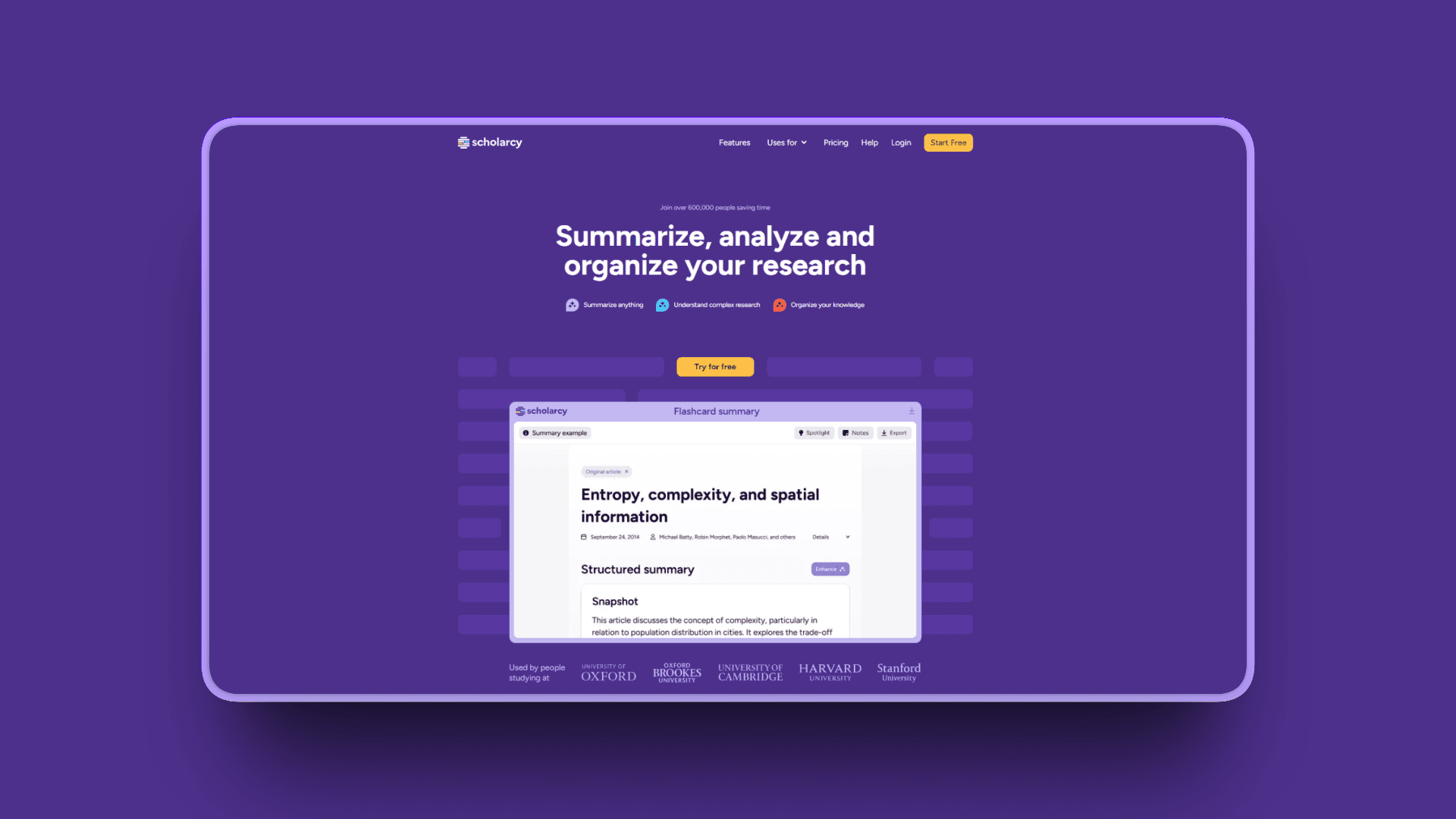
Scholarcy creates "flashcard" summaries of academic papers. Upload a paper, get structured summary highlighting objectives, methods, findings, and references.
Perfect for initial paper screening and literature review organization.
Key Features
AI-powered summarization breaking down research articles, reports, and book chapters
Summary flashcards for any article, report, or document (Word or PDF)
Robo-Highlighter automatically picking out and highlighting key phrases and ideas
Converts content into flashcards with core substance, assumptions, methodology, and conclusions
Spotlight feature jumping to most critical findings first
Customizable summary detail: One-liner, bulleted list, or researcher-level version
Links to open-access versions of cited sources
Extract figures, tables, images from documents for visual reference
Section-by-section breakdown focusing on specific parts like methodology or results
Scholarcy Library building personal summarized research library
Input support: Word, HTML, XML, Plain text, PowerPoint, LaTeX, URL, pasted text
Export: Word, Markdown, PowerPoint for integration with workflows
Pros
Fast paper screening saving hours on literature reviews
Good structure for comparing multiple papers side-by-side
Reference extraction saves time identifying key citations
Particularly helpful for students with learning difficulties (ADHD, dyslexia)
Structured approach reduces distractions and makes complex texts more approachable
Affordable at $9.99/month or $90/year compared to other academic tools
Text-to-speech and adjustable text sizes enhance accessibility
Build personal library of summarized research for quick reference
Cons
Best with clean, well-formatted PDFs (struggles with poor scans)
Summaries are starting points, not replacements for reading full papers
Free tier very limited (10 summaries only)
Premium features require paid subscription for regular use
Less comprehensive than full research platforms like SciSpace
Pricing
Free Plan: $0/month. Import files, create up to 10 summaries, export flashcards one at a time
Monthly Plan: $9.99/month. Unlimited summaries, flashcard collections, note-taking, export up to 100 flashcards
Yearly Plan: $90/year (approximately $7.50/month). Same features as monthly with annual savings
Free Trial: 7 days free (cancel before billing)
Institutional licensing available for universities and organizations
User Reviews
Scholarcy receives a 4.5/5 rating on G2. Users praise the speed and structure for initial paper screening and flashcard creation.
Best For
Academic researchers screening large volumes of papers for literature reviews
Students creating study flashcards from research papers
Anyone with learning difficulties (ADHD, dyslexia) needing structured summaries
Building summarized research libraries for quick reference
Initial paper triage deciding what to read in full
Specialized Research Tools
Some research tools fill specific niches. They do one thing exceptionally well.
12. Keenious: Best for Paper Recommendations Based on Your Writing
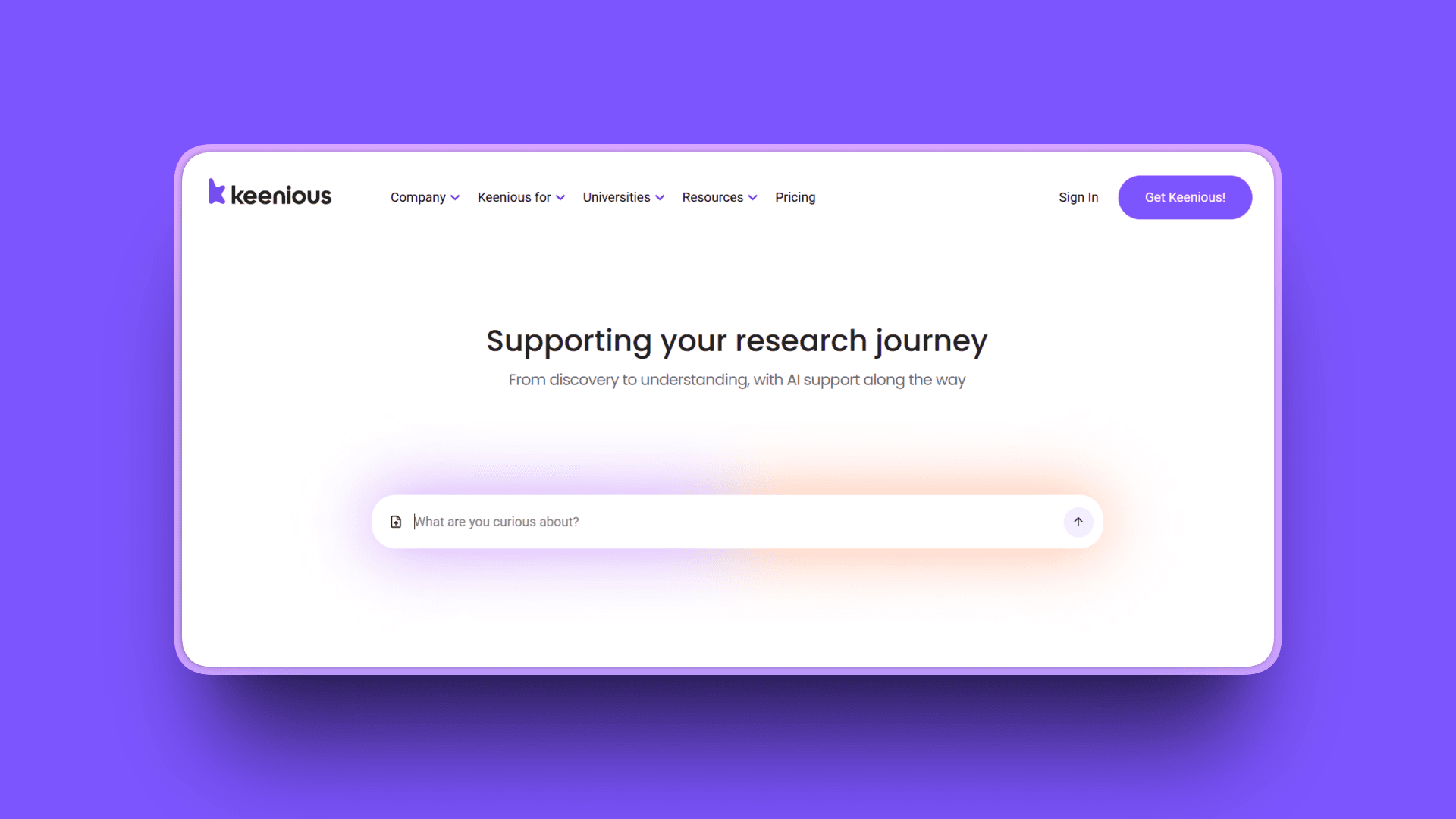
Keenious analyzes your writing and recommends related academic papers. Instead of keyword searching, upload your draft and discover papers based on topic similarity.
Searches 250+ million sources from OpenAlex across all disciplines and languages.
Key Features
AI-powered research recommendation analyzing documents and providing relevant scientific publication suggestions
Search for similar/related articles based on published articles or your own written text
Uses AI to analyze texts instead of individual search terms for better thematic matching
Presents search results based on topic of your writing, not just keywords
Integrates with Microsoft Word and Google Docs for seamless writing workflow
Access to vast database of scientific articles across disciplines
Advanced features: Highlight search, topic suggestions, smart bookmarks
AI-powered explanations of complex methodologies, statistical concepts, and domain-specific terminology
Highlight text in papers and ask questions for instant clarification
Multi-language support: Ask questions in native language, discover research from 100+ countries
Library integration: Link resolver support for EBSCO, PRIMO, and other platforms
Database updated monthly with latest research
Pros
Excellent for researchers wanting paper suggestions based on own writing rather than keywords
Uploading early drafts gives better sense of thematically aligned papers
Excels at uncovering hidden connections traditional keyword search misses
Suggests new avenues for exploration based on core project ideas
Multi-lingual research discovery supporting international researchers
Integrates directly with writing tools for frictionless workflow
Discovers related work you'd never find through conventional searching
Cons
Quality of recommendations depends on specificity and quality of input text
Limited filtering options compared to traditional academic databases
Works best with substantial writing samples (short queries less effective)
Starting at $10/month may be expensive if you only occasionally need recommendations
Less useful for initial exploration before you have written content
Pricing
Free tier available to get started
Paid plans start at $10/month with advanced features
User Reviews
Keenious is well-regarded among academic researchers for its unique writing-based discovery approach. Users highlight the ability to discover papers aligned with their writing that keyword searches missed. Researchers particularly value how it uncovers hidden connections and suggests new research avenues based on core ideas.
Best For
Researchers writing papers who need related work suggestions
Discovering hidden research connections based on your writing
Multi-lingual research discovery across international publications
Integration with writing workflow in Word or Google Docs
Finding papers that are thematically similar, not just keyword matches
Detailed Comparison: Features and Capabilities
Tool | AI Features | Standout Feature | Best For |
|---|---|---|---|
Kosmik | Auto-tagging, visual search, content summarization | Infinite canvas with multimedia | Visual synthesis across formats |
Elicit | Paper summarization, data extraction, alerts | Systematic review automation | Academic literature reviews |
Consensus | Consensus meter, GPT-4 summaries, smart citations | Research agreement visualization | Evidence-based questions |
Perplexity | Real-time search, multi-model access, Labs | Cited web answers | Quick research scans |
Scite | Smart citations, support/dispute analysis, tracking | Citation context classification | Citation verification |
ResearchRabbit | Paper recommendations, visual mapping | Citation network graphs | Discovery and exploration |
Julius | Natural language queries, auto-visualization | Code-free data analysis | Data analysis without coding |
ChatGPT | Conversational AI, deep research, file analysis | Versatile assistance | General research tasks |
SciSpace | PDF Q&A, methodology explanations, literature review | Comprehensive academic toolkit | PDF analysis and writing |
ChatPDF | Document chat, summarization | Simple PDF interaction | Quick document Q&A |
Scholarcy | Flashcard summaries, reference extraction | Paper screening | Rapid literature triage |
Keenious | Writing analysis, topic matching, recommendations | Document-based discovery | Related paper suggestions |
How to Choose the Right AI Research Tools for Your Needs
Here's what matters: Don't just pick the tool with the most features. Pick the tools that solve your specific problems.
Decision Framework by Researcher Type
If You're an Academic Researcher
Literature Discovery Phase: Start with Elicit or Consensus for finding and filtering peer-reviewed papers. Add ResearchRabbit for mapping citation networks and discovering research communities. Use Scite when you need to verify how papers cite each other and assess credibility.
Reading and Analysis Phase: Use SciSpace or Scholarcy for understanding complex papers and creating summaries. ChatPDF works for quick Q&A on individual documents. Add ChatGPT when you need complex concepts explained in simpler terms.
Synthesis and Writing Phase: This is where Kosmik becomes essential. Bring all your papers, notes, data visualizations, and insights onto a visual canvas. Create spatial maps showing how research connects, collaborate with co-authors in real-time, and build your argument visually before writing linearly.
Recommended Stack: Elicit (discovery) + Scite (verification) + Kosmik (synthesis hub) + ChatGPT (assistant)
Budget Considerations:
Free tier: Consensus free + ResearchRabbit (free tier) + Kosmik free trial
Mid-range: Elicit Plus ($12/month) + Scite ($12/month) + Kosmik Pro ($11.99/month yearly)
Power user: Elicit Pro ($49/month) + Scite + Kosmik Pro + ChatGPT Plus
If You're a Business or Market Researcher
Discovery Phase: Use Perplexity for quick competitive insights, market trends, and real-time information. Add ChatGPT for brainstorming research questions and frameworks. General AI assistants excel at exploratory business research.
Analysis Phase: Julius becomes your primary tool for data analysis, creating visualizations, and generating insights from structured data. Use ChatGPT for thematic analysis of qualitative data like interview transcripts. Perplexity validates trends with current sources.
Synthesis and Presentation Phase: Kosmik organizes insights visually across data visualizations, competitive research, market trends, and strategic recommendations. Build presentation-ready research boards. Share workspaces with stakeholders. Collaborate in real-time.
Recommended Stack: Perplexity (discovery) + Julius (data analysis) + Kosmik (synthesis hub) + ChatGPT (assistant)
Budget Considerations:
Free tier: Perplexity free + ChatGPT free + Kosmik free trial
Mid-range: Perplexity Pro ($20/month) + Julius Plus ($20/month) + Kosmik Pro ($11.99/month yearly)
Power user: Perplexity Pro + Julius Pro ($45/month) + Kosmik Pro + ChatGPT Plus
If You're a Creative or General Researcher
Exploration Phase: Start broad with Perplexity or ChatGPT for exploring topics, gathering inspiration, and understanding contexts. Use ResearchRabbit if academic sources are relevant. Focus on flexible, exploratory tools.
Organization Phase: Kosmik is your primary workspace. Collect images, videos, web pages, articles, PDFs, and notes all on one infinite canvas. Organize spatially. Make visual connections. See patterns emerge.
Synthesis Phase: Continue in Kosmik for visual synthesis and connection-making. The spatial canvas reveals relationships between disparate sources. Add ChatGPT for writing support and generating ideas from your organized research.
Recommended Stack: Kosmik (primary workspace) + ChatGPT or Perplexity (exploration) + specialized tools by content type
Budget Considerations:
Free tier: ChatGPT free + Kosmik free trial + web clipper
Paid: Kosmik Pro ($11.99/month yearly) + ChatGPT Plus or Perplexity Pro
Tool Combinations That Work Well Together
The Comprehensive Academic Stack
Semantic Scholar or Elicit: Broad literature search
Scite: Citation validation and credibility checking
ResearchRabbit: Network mapping and discovery
SciSpace: PDF analysis and paper comprehension
Zotero: Citation management
Kosmik: Visual synthesis hub bringing everything together
The Efficient Business Research Stack
Perplexity: Real-time information gathering
Julius: Data analysis and visualization
ChatGPT Pro: Deep research reports
Kosmik: Organization and presentation hub
Collaborative sharing tools
The Visual Creative Stack
Kosmik: Primary workspace for spatial organization
ChatGPT or Perplexity: Quick information gathering
PDF tools as needed: SciSpace or ChatPDF
Visual mapping: ResearchRabbit or Connected Papers
Web clipper: Kosmik extension for capturing content
Budget Optimization Strategies
Maximize Free Tiers
ResearchRabbit: Free tier available (acquired by Litmaps, now offers free and premium tiers)
Semantic Scholar: Free academic search
Consensus: Free tier with 25 Pro Searches/month
Elicit: Free Basic with 20 extractions/month
ChatGPT: Free tier with GPT-4o mini
Many tools offer 7-day to 1-week free trials
Best Value Paid Options Under $15/month
Scholarcy: $9.99/month for unlimited summaries (or $90/year)
Keenious: $10/month for paper recommendations
Kosmik Pro: $11.99/month (yearly) for complete visual workspace
SciSpace Premium: $12/month annually for comprehensive toolkit
Scite: $12/month annually for citation verification
Elicit Plus: $12/month for enhanced literature reviews
Consensus Pro: $11.99/month for unlimited searches
Student Discounts
Consensus: 40% off with verified academic email
Julius: 50% off for students and educators (bringing Plus to $10/month, Pro to $22.50/month)
Many tools offer institutional pricing
Check for educational discounts before subscribing
Cost-Saving Strategies
Start with free tiers to test which tools fit your workflow
Use annual billing for 15-20% savings on most tools
Combine free tools with one paid subscription for your primary use case
Share team plans where available to split costs
Take advantage of student and academic discounts
Pilot tools thoroughly during trial periods before committing
ROI Considerations
Research shows 74% of enterprises using generative AI report ROI within the first year. Users experience significant productivity improvements with the right tools.
Some tools report 70-80% reduction in research time for specific tasks. Balance cost against hours saved and quality improvements.
A tool that saves you 5 hours per week at $20/month costs $1 per hour saved. That's usually worth it.
Important Considerations When Using AI Research Tools
AI research tools are powerful. They're also imperfect. Understanding limitations helps you use them effectively.
Data Privacy and Security Concerns
What's at Risk: AI systems collect vast amounts of personal information. Free tools often use your data to train models.
Default lack of privacy in tools like ChatGPT's free version poses significant risk for sensitive academic or business work. Information shared with free generative AI tools using default settings is not private.
What Not to Share: Universities like Harvard advise against entering confidential data into publicly-available generative AI tools. Could expose proprietary or sensitive information to unauthorized parties.
Confidential data ingested through free chatbots may be considered public disclosure for IP rights. Free versions not compliant with FERPA, HIPAA, or EU's GDPR.
Security Measures to Look For
SOC 2 Type II certification (like Julius has)
GDPR compliance
HIPAA compliance for healthcare research
Clear data ownership policies
Encryption in transit and at rest
Transparent data retention policies
User control over data deletion
Best Practices
Never share confidential, proprietary, or sensitive data with free AI tools
Use institutional or enterprise versions with proper data agreements for sensitive research
Review privacy policies before uploading any data
Understand where data is stored and how it's used
Check if your data is used for model training
Verify compliance with relevant regulations for your field
Academic Integrity and Ethical Use
Key Challenges: AI in scientific research enhanced efficiency and accuracy but introduced new forms of misconduct. Data fabrication and text plagiarism using AI algorithms jeopardize research integrity.
AI Detection Issues: AI detection tools effectively detect unaltered AI-generated text. However, when text is paraphrased using tools like Quillbot, detection scores dropped to 31% and 0% after two rephrases.
Over-reliance on AI detectors can lead to privacy violations and false accusations. Students may be penalized based on probabilistic predictions rather than concrete evidence.
Certain linguistic patterns or non-native English writing styles may be misclassified as AI-generated.
Author Responsibilities: According to COPE (Committee on Publication Ethics), authors using AI tools must be transparent in disclosing how the tool was used and which tool.
Any use of generative AI must be described in detail in methods section, acknowledgements, or disclosure statement. Author fully responsible for accuracy of any information provided by AI tool.
Must correctly reference any supporting work. Generative AI can hallucinate and make things up.
Recommended Practices:
Disclose AI tool usage in your methodology when required by journals or institutions
Acknowledge use of AI tools in your work
Never present AI-generated text as your own original writing
Always verify AI-generated citations and facts before using
Adhere to guidelines set by your institution or chosen journal
Maintain transparency and ethical use throughout research process
Use AI as an assistant, not as the researcher
AI Reliability and Hallucination Risks
Current State: Even best AI models hallucinate at least 0.7% of the time. Some models hallucinate over 25% of responses.
Google's Gemini-2.0-Flash-001 is most reliable with 0.7% hallucination rate. TII's Falcon-7B-Instruct is least reliable, hallucinating nearly 1 in 3 responses (29.9%).
Reasoning Models Paradox: Reasoning models appear to hallucinate more frequently than regular LLMs. OpenAI's o1 has a 16% hallucination rate when summarizing information. o3 has a 33% hallucination rate.
Real-World Impact: Global losses attributed to AI hallucinations reached $67.4 billion in 2024. 83% of legal professionals encountered fabricated case law using AI for legal research.
Legal AI tools (Lexis+ AI, Westlaw AI) hallucinate 17-33% of the time. Stanford 2024 study found LLMs invented over 120 non-existent court cases with convincingly realistic names and detailed but fabricated legal reasoning.
Root Causes: Standard training and evaluation procedures reward guessing over acknowledging uncertainty. Rooted in the probabilistic nature of LLM text generation.
Models predict the most statistically likely next word based on training data patterns, not factual accuracy.
Mitigation in Tools: Recent Google research showed models with built-in reasoning capabilities reduce hallucinations by up to 65%.
Asking LLM "Are you hallucinating right now?" reduced hallucination rates by 17%.
Retrieval-augmented generation (RAG), first developed in 2020, gained traction as a key mitigation approach. Many academic tools (Elicit, Consensus, Scite) use RAG.
Best Practices for Verification
Always Cross-Check Sources: Verify AI-generated facts with authoritative sources: research papers, government websites, academic institutions, and established news publications. These maintain high standards for accuracy.
Verify Citations Actually Exist: Search title of article or book in library search tools. AI tools may hallucinate sources that don't exist.
Important to verify references given by AI refer to real sources, are credible, and actually say what AI claims they say.
Check Citation Details Match: Make sure all details match citations given by the AI tool. AI may correctly identify leading authors or prestigious journals but fictionalize other details like article titles.
Read Original Sources: If reference exists, consult source material. Verify information provided by AI was summarized correctly.
Never use sources cited by AI without reading those sources yourself.
Use Lateral Reading: When evaluating AI-generated content, you're essentially fact-checking AI's output. Crucial because generative AI produces content that sounds confident and authoritative but may contain hallucinations, misinformation, or biases.
Tools for Verification:
Library research databases for accurate citations
Authoritative search tools from academic publishers
Fact-checking tools: Snopes, FactCheck.org, PolitiFact
GPTZero's AI Citation Checker: Automatically detects hallucinated sources
Google Scholar for verifying academic citations
Why Human Review Matters
Human review is always necessary for AI-generated content. AI doesn't "understand" information; it processes content by recognizing patterns in data. It can't verify facts or grasp context as humans can.
Frequently Asked Questions
Choosing the Right Tools
What is the best AI tool for research?
There's no single "best" tool because research needs vary widely.
For academic literature reviews: Elicit and Consensus excel at finding and synthesizing peer-reviewed papers.
For business research: Perplexity and Julius are strong choices for real-time insights and data analysis.
For visual synthesis across any research type: Kosmik stands out for organizing diverse sources spatially.
The best approach combines specialized tools: Use AI for discovery and analysis, then synthesize insights visually in a tool like Kosmik.
Can I use multiple AI research tools together?
Absolutely. We recommend it.
Use specialized tools for specific tasks: Elicit for literature discovery, Perplexity for general research, Julius for data analysis, and Kosmik as your central hub for organizing and synthesizing everything.
Best research workflows combine complementary tools rather than forcing one tool to do everything.
Example academic stack: Elicit (discovery) + Scite (verification) + Kosmik (synthesis hub) + ChatGPT (assistant).
Example business stack: Perplexity (research) + Julius (data analysis) + Kosmik (organization) + ChatGPT (writing).
What's the difference between academic and general AI research tools?
Academic tools prioritize peer-reviewed sources, citation accuracy, and scholarly databases. Built for research-specific workflows. Integrate with reference managers. Examples: Elicit, Consensus, Scite, SciSpace.
General AI tools trained on broad internet data, may include unreliable sources, generate rather than retrieve information. Examples: ChatGPT, Perplexity.
Academic tools better for: Finding peer-reviewed sources, conducting systematic reviews, managing citations, verifying scholarly claims.
General AI is better for: Brainstorming, quick explanations, exploration, understanding concepts, creative applications.
Use academic tools for verifiable citations. Use general AI for exploration and understanding.
Cost and Pricing
Should I use free or paid AI research tools?
Start with free tiers to test which tools fit your workflow and needs.
Free versions are often sufficient for light, occasional use. Students and researchers on tight budgets can accomplish significant work using free tiers strategically.
Paid tools offer: Unlimited usage, advanced features, priority support, better AI models, team collaboration, and faster processing.
Consider time saved versus cost. 74% of enterprises using generative AI report ROI within first year. If a tool saves you 5 hours weekly at $20/month, that's $1 per hour saved.
Many tools offer student discounts (40-50% off). Annual billing typically saves 15-20%.
How much do AI research tools cost?
Costs range from free to $200+/month depending on features and use cases.
Free Options
ResearchRabbit: Free tier available (premium features via Litmaps)
ChatGPT: Free tier with GPT-4o mini
Consensus: Free tier with 25 Pro Searches/month
Elicit: Free Basic with 20 extractions/month
Budget-Friendly ($5-12/month)
Scholarcy: $9.99/month (or $90/year)
Keenious: $10/month
Kosmik Pro: $11.99/month (yearly)
Scite: $12/month (yearly)
Elicit Plus: $12/month
Consensus Pro: $11.99/month
SciSpace Premium: $12/month (yearly)
Mid-Range ($20/month)
ChatGPT Plus: $20/month
Perplexity Pro: $20/month
Julius Plus: $20/month
SciSpace Premium: $20/month (monthly billing)
ChatPDF Plus: $19.99/month
Power User ($40-50/month)
Elicit Pro: $49/month
Julius Pro: $45/month
Perplexity Deep: $45/month
Premium ($200/month)
ChatGPT Pro: $200/month
Perplexity Max: $200/month
Student Discounts: Many tools offer 40-50% off with academic email verification.
What are the best free AI research tools?
Completely Free
ResearchRabbit: Citation network mapping and discovery (free tier available, premium features via Litmaps acquisition)
Semantic Scholar: Academic search with AI summaries (free from Allen Institute for AI)
Generous Free Tiers
Consensus: 25 Pro Searches/month, 3 Deep Searches/month, 10 GPT-4 Analyses
Elicit Basic: Unlimited search, 20 data extractions/month
ChatGPT: GPT-4o mini with web-augmented responses
Perplexity: Unlimited basic searches, 5 Pro searches daily
Kosmik: 1 week free trial with full Pro features
Julius: 15 messages/month with basic features
Free Trials
Most paid tools offer 7-day to 1-week free trials with full features
Combine free tiers strategically for comprehensive research workflows without paying.
Reliability and Accuracy
Are AI research tools reliable?
AI research tools are reliable assistants but not perfect replacements for human judgment.
They can hallucinate citations (invent sources that don't exist), miss nuances in complex arguments, and make errors. Even the best models hallucinate at least 0.7% of the time. Some hallucinate up to 30% of responses.
Always verify important claims, cross-check sources, and maintain critical thinking. Tools like Scite help verify reliability by showing how research has been cited.
Never rely solely on AI-generated information for critical decisions or academic work.
How accurate are AI research tools?
Accuracy varies significantly by tool and task.
Best models: 0.7% hallucination rate (Google Gemini-2.0-Flash-001)
Worst models: Up to 29.9% hallucination rate
Legal AI tools: 17-33% hallucination rate
Reasoning models: May hallucinate more (16-48% depending on model)
Academic-specific tools using Retrieval Augmented Generation (RAG) like Elicit, Consensus, and Scite generally more accurate than pure generative AI because they retrieve real papers first, then summarize.
Always verify AI-generated information, especially citations, statistics, and critical claims. Use multiple sources for cross-validation.
Can I trust AI research summaries?
Use AI summaries with caution as starting points, not final sources.
Always verify with original sources. Cross-check important claims with multiple sources. Check for proper citations with actual document links.
Be aware of hallucination risks: AI can invent convincing but false information.
Use summaries for initial screening and triage. Read full papers for anything you'll cite or base decisions on.
Human review is always necessary. AI doesn't truly "understand" content. Creates summaries by recognizing patterns, not by comprehending meaning.
Best practice: Use AI summaries to decide what to read fully, then read the actual sources yourself.
How do I ensure academic integrity when using AI research tools?
Always disclose AI tool usage in methodology sections when required by journals or institutions.
Verify all citations before including them in your work. AI tools can hallucinate sources.
Never present AI-generated text as your own original writing. Use plagiarism checkers.
Maintain your role as the researcher with AI as an assistant. Critical thinking and original analysis should always be human-driven.
Read original sources yourself. Don't cite papers based only on AI summaries.
Follow institutional guidelines and journal requirements for AI disclosure.
According to COPE (Committee on Publication Ethics), authors are fully responsible for accuracy of any information provided by AI tools.
Specific Use Cases
How do AI tools help with data analysis in research?
AI data analysis tools like Julius allow you to query databases using natural language instead of SQL or Python code.
Ask questions in plain English: "Show me revenue trends by region over the last 6 months." Get instant visualizations with drill-down capabilities.
They automatically generate charts, identify patterns, perform statistical tests, and create reports. Makes quantitative research accessible to non-technical researchers.
Works best with clean, structured data. Less effective for unstructured or qualitative data.
How do visual research tools like Kosmik differ from traditional note-taking apps?
Traditional note-taking apps (Evernote, Notion, OneNote) organize information linearly in folders and documents. Hierarchical structure.
Visual research tools like Kosmik use infinite canvas where you organize information spatially. Arrange content based on relationships, themes, and connections.
Spatial organization mirrors how brains naturally process complex information. Especially valuable during the synthesis phase when making connections between diverse sources.
Visual information is processed significantly faster than text. Visual canvas reveals patterns that linear documents hide.
Visual tools handle multimedia natively (images, videos, PDFs, web pages, notes all on same canvas). Traditional apps require switching between formats.
Are there AI research tools for qualitative research?
Yes. Tools like ChatGPT help with thematic analysis, coding interview transcripts, and identifying patterns in qualitative data.
Upload interview transcripts, field notes, or open-ended survey responses. Ask AI to identify themes, generate coding categories, and summarize key insights.
Kosmik excels for qualitative research because you can arrange interview snippets, photos, observations, and field notes spatially. Visual organization helps identify themes and connections across qualitative data.
SciSpace works for analyzing qualitative research papers and extracting methodological approaches.
Always maintain human oversight. AI assists with pattern recognition, but human researchers provide contextual understanding and theoretical grounding.
What AI research tools work best for team collaboration?
Kosmik excels at team research with real-time collaboration on visual canvases. Multiple team members work simultaneously, see changes live, leave comments, and share workspaces. Unlimited workspaces on Pro plan ($11.99/month yearly).
ResearchRabbit allows collection sharing for collaborative literature discovery.
Elicit and Julius offer team plans with shared workspaces and centralized management.
SciSpace Teams provide collaborative research capabilities ($8/seat annually).
Look for features like shared workspaces, real-time editing, commenting systems, version history, and team administration when choosing collaborative research tools.
Conclusion: Building Your AI Research Toolkit
The bottom line: The best AI research tools don't just add features. They solve real problems.
Tab chaos. Context switching. Lost research. Information overload. Inability to see connections across diverse sources.
Different research types need different tools. Academic researchers need peer-reviewed filtering and citation verification. Business researchers need real-time data and fast visualization. Creative researchers need spatial organization and multimedia support.
No single tool does everything. The best approach combines specialized AI tools for different research phases: discovery, analysis, and synthesis.
Here's What Matters Most
In summary: Most AI research tools excel at finding and analyzing information. Tools like Elicit discover academic papers. Julius analyzes data. Perplexity searches the web with citations. ChatGPT explains concepts and generates ideas.
Fewer tools help you organize and synthesize insights. Most importantly: That's where Kosmik becomes essential.
Research isn't just about collecting information. It's about making sense of it, seeing connections, and developing new understanding.
Kosmik's infinite canvas approach lets you organize research spatially the way your brain actually works. PDFs, images, videos, web pages, data visualizations, and notes all live together on one workspace. Visual organization reveals patterns that linear documents hide.
Whether you're building literature review maps, organizing competitive research, creating mood boards, or synthesizing complex insights across sources, Kosmik's visual workspace transforms how research becomes understanding.
The built-in browser means zero app-switching. AI features enhance workflow without getting in the way. Real-time collaboration makes team research visual and intuitive. At $11.99/month (yearly), it's more affordable than most specialized research tools while being more comprehensive.
Your Next Step
Start with your specific research needs. Identify the tools from this guide that solve your particular problems.
Try free tiers. Most tools offer generous trials. Test which fits your workflow before committing.
Build your research stack: Pick discovery tools (Elicit, Perplexity), analysis tools (Julius, ChatGPT), and a synthesis hub (Kosmik).
Ready to transform how you organize and synthesize research? Try Kosmik's visual workspace with a 1 week free trial. Experience a research organization that actually matches how you think.
The future of research is visual, collaborative, and AI-assisted. Your toolkit should be too.