December 19, 2025
Best Microsoft Whiteboard Alternatives for Teams


You are in the middle of a brainstorming session and things are moving fast. Ideas are coming in, people are added notes, drawing connections. Then Microsoft Whiteboard syncs. Again. A few seconds later, it starts lagging. Someone's board freezes. Another person on an iPad cannot write properly because stylus input is not being handled correctly. The WiFi drops for a moment, and now everyone is unsure whether the work is saved.
This isn't a one-off situation. It's a pattern.
According to Microsoft's own Q&A forums, the same complaints repeat over and over. Performance lag during basic actions like zooming or switching tools. Crashes in the middle of live sessions, especially in educational settings. A weak mobile experience. Recent updates have made things worse by removing or breaking essential features like copy and paste and dynamic erasing. Even users with powerful systems, including high end GPUs and plenty of RAM, report lag during simple interactions.
For very light use, Microsoft Whiteboard can still function. But once your workflow goes beyond basic sticky notes and simple sketches, the cracks start to show. Designers building moodboards, educators running live classes, remote teams planning strategy, and researchers organizing complex ideas all run into the same limits.
That is why we researched more than 20 Microsoft Whiteboard alternatives and narrowed them down to the 14 best options for different use cases. From visual thinking tools with richer functionality to collaboration platforms with reliable sync and solid integrations, these are the tools that continue working when Microsoft Whiteboard falls short.
Key Takeaways
Kosmik eliminates app-switching with its built-in browser and supports all content formats in one infinite canvas workspace.
Miro leads enterprise collaboration with 250+ integrations and 7,000+ templates for large-scale team projects.
FigJam integrates seamlessly with Figma, making it ideal for design teams already using the Figma ecosystem.
Modern whiteboard alternatives solve Microsoft Whiteboard's sync errors, limited tool palettes, and poor mobile experience.
Choose based on your primary use case: visual thinking (Kosmik), enterprise teams (Miro), design workflows (FigJam), project management (ClickUp), or workshops (Lucidspark).
Start with Kosmik to eliminate app-switching chaos and organize your visual thinking in one intelligent workspace.
Why People Are Leaving Microsoft Whiteboard
Sync Errors and Performance Issues
Microsoft Whiteboard's most common complaint is unreliable syncing. According to Microsoft's Q&A forums, users with high-end systems (4070ti GPUs, 32GB RAM) experience massive lag when zooming or changing tools. The board constantly reports "lost connection" errors even on reliable networks, and work frequently disappears.
When writing, it can take up to 30 seconds for drawn lines to appear. The app uses up to 80% of GPU and around 40% of CPU even with simple drawings. Performance lag and crashes occur mid-session, especially in educational settings. Critical bugs mean an hour of work might not save upon exiting.
Limited Tool Palette, Basic Canvas, and Single-Format Restrictions
Microsoft Whiteboard restricts users to only three pen colors at once. Recent updates removed critical features like copy/paste functionality, image insertion, and the dynamic eraser (which now deletes entire lines instead of partial strokes).
The tool palette is quite limited. While it appears there are four different "pens," they are just four copies of the same pen, configurable only minimally (width from "1" to "6" and choice of 15 colors). Formatting options for fonts are extremely limited. Users cannot import their templates.
Basic canvas limitations: The workspace doesn't support spatial thinking or infinite canvas organization. You're locked into a fixed, linear layout that doesn't match how visual thinkers actually work. No ability to zoom out for a big-picture view or create mind maps that sprawl naturally.
Single-format restriction: Only supports basic shapes and text. Want to embed a PDF for reference? Play a video? Organize web clips? You'll need separate apps, adding to the app-switching chaos.
Poor Integration Outside Microsoft Ecosystem
While Microsoft Whiteboard integrates with Teams, it offers virtually nothing for users working with other tools. Export options are limited to PNG images, making it impossible to transfer work to design tools, note-taking apps, or project management platforms.
The application is extremely glitchy with no ability to export whiteboards to a vector format, resulting in low quality pictures. Users cannot integrate Microsoft Whiteboard with any platform other than Microsoft Teams, which is a huge limitation.
No Offline Access
Microsoft Whiteboard requires constant internet connectivity. There's no offline mode, meaning work stops completely if your connection drops. For educators in schools with unreliable WiFi or travelers working remotely, this is a critical limitation.
Terrible Mobile Experience
The mobile experience is particularly problematic. iPad users report that Apple Pencil detection is broken. When using the Apple Pencil, if any part of your palm touches the screen, the app detects both palm and pencil as fingers, causing zoom or page movement issues, making it "almost impossible to write anything."
The app is "way too sensitive to touch without any way to decrease the sensitivity," causing continuous unwanted whiteboard shifts. The Android app is only accessible through Microsoft Teams mobile, offering no standalone option.
Constant App-Switching Between Tools
One of the biggest productivity killers: you're sketching ideas on Microsoft Whiteboard, need to research something, switch to your browser (opening tab #47), find content, copy it, switch back to Whiteboard, paste. Repeat endlessly. Microsoft Whiteboard offers no built-in browsing, web clipping, or content gathering, forcing constant context-switching between applications.
This fragmented workflow means losing your train of thought every few minutes. Your creative flow gets interrupted by app juggling.
How Modern Whiteboard Alternatives Solve These Problems
Solution 1: Reliable Real-Time Collaboration Without Sync Errors
Alternatives like Kosmik, Miro, FigJam, and Lucidspark offer enterprise-grade real-time collaboration without the constant "lost connection" errors. Live cursor tracking, instant updates (no 30-second lag), and robust conflict resolution ensure teams can actually work together without frustration.
These platforms use proven WebSocket technology and optimized sync engines. Your work saves continuously and reliably. No more "Critical bugs mean an hour of work might not save upon exiting."
Solution 2: Rich Tool Palettes, Infinite Canvas, and Multi-Format Support
Modern whiteboards break free from Microsoft Whiteboard's "three pen colors" limitation. Tools like Kosmik, Miro, and Milanote offer:
Rich tool palettes: Unlimited colors, advanced shape tools, customizable brushes, proper erasers, formatting options, template libraries you can actually import.
Infinite canvas for spatial thinking: True infinite canvases that support visual, spatial organization. Zoom out for big-picture planning or zoom in for detailed work, organizing content the way your brain actually thinks. Create sprawling mind maps, visual timelines, moodboards that expand naturally.
Native multi-format support: Handle PDFs, images, videos, and web content natively. Kosmik's visual workspace supports every format in one place. Miro and Milanote offer similar multi-format capabilities, eliminating the need for separate apps.
Solution 3: Extensive Integration Ecosystems
Modern whiteboards integrate with dozens of tools beyond just Microsoft Teams. Export to PDF, SVG, or PNG (not just low-quality PNG). Connect with Slack, Notion, Google Drive, Figma, and project management platforms. Your whiteboard becomes part of your workflow instead of a silo.
Miro offers 250+ apps and integrations. FigJam connects seamlessly with the entire Figma ecosystem. ClickUp Whiteboards convert ideas directly into actionable tasks.
Solution 4: Offline Access and Mobile-First Design
Offline access: Unlike Microsoft Whiteboard's "constant internet connectivity" requirement, some alternatives offer offline functionality. Work continues even when WiFi drops. For educators in schools with unreliable networks or travelers working remotely, this is critical.
Mobile-first experience: Proper mobile apps with working Apple Pencil support and palm rejection. FigJam's iPad app, Miro's mobile experience, and Concepts offer smooth drawing without the "palm touches causing zoom" nightmare. The Android options extend beyond just Team integration.
Solution 5: Zero Context Switching with Built-In Tools
Tools like Kosmik eliminate app-switching entirely by building a browser directly into the canvas. Press 'W' to browse any website without leaving your workspace. This solves the "47 open tabs" problem that plagues Microsoft Whiteboard users who constantly jump between their browser and whiteboard.
The built-in browser means you can research, clip content, and organize visually all in one place. No more losing your train of thought between apps. Your creative flow stays uninterrupted.
Key point: Modern whiteboard alternatives address Microsoft Whiteboard's core failures through reliable sync technology, rich tool palettes, extensive integrations, mobile-optimized experiences, and built-in features that eliminate constant app-switching.
What Actually Matters When Choosing a Microsoft Whiteboard Alternative
1. Real-Time Collaboration Quality
What to look for: Live cursors, instant sync, conflict resolution, commenting
Why it matters: After Microsoft Whiteboard's sync nightmares, reliable collaboration is non-negotiable. Look for enterprise-grade platforms (Miro, Mural, Lucidspark) with proven stability.
2. Tool Richness, Canvas Flexibility, and Multi-Format Support
What to look for: Unlimited color options, infinite canvas, zoom functionality, flexible layouts, native support for PDFs, images, videos, web content
Why it matters: If you're a visual thinker, linear organization (folders, lists) doesn't match how your brain works. Spatial canvases let you organize visually, create mind maps, and see the big picture. Support for multiple formats means no more separate apps for different content types.
3. Integration Ecosystem
What to look for: API access, Zapier support, native integrations with your existing tools
Why it matters: Your whiteboard shouldn't be an island. Integration with Slack, Notion, Google Workspace, Figma, and project management tools makes your workflow seamless.
4. Offline Access and Mobile Experience
What to look for: Native mobile apps, stylus support, offline access, palm rejection
Why it matters: If you use an iPad with Apple Pencil or work on the go, mobile experience is critical. FigJam, Miro, and Concepts offer excellent mobile apps with proper palm rejection and Apple Pencil support. Offline functionality ensures work continues when WiFi drops.
5. Zero Context Switching
What to look for: Built-in browser, native file support, integrated search
Why it matters: Constantly jumping between your browser and whiteboard kills productivity. Tools with built-in browsing (Kosmik) or comprehensive file support (Miro, Milanote) keep you in one workspace. Learn more about Kosmik's visual workspace features.
6. AI-Powered Features
What to look for: Auto-tagging, smart search, AI-generated content, intelligent organization
Why it matters: AI can eliminate manual organization burden. Kosmik's AI auto-tagging categorizes content automatically. Miro AI converts sketches to editable diagrams.
Bottom line: Prioritize collaboration quality and tool richness first, then consider integrations, mobile experience, and workflow-specific features like zero context switching or AI-powered organization based on your team's needs.
Best Microsoft Whiteboard Alternatives (Ranked)
1. Kosmik: Best Microsoft Whiteboard Alternative for Creatives
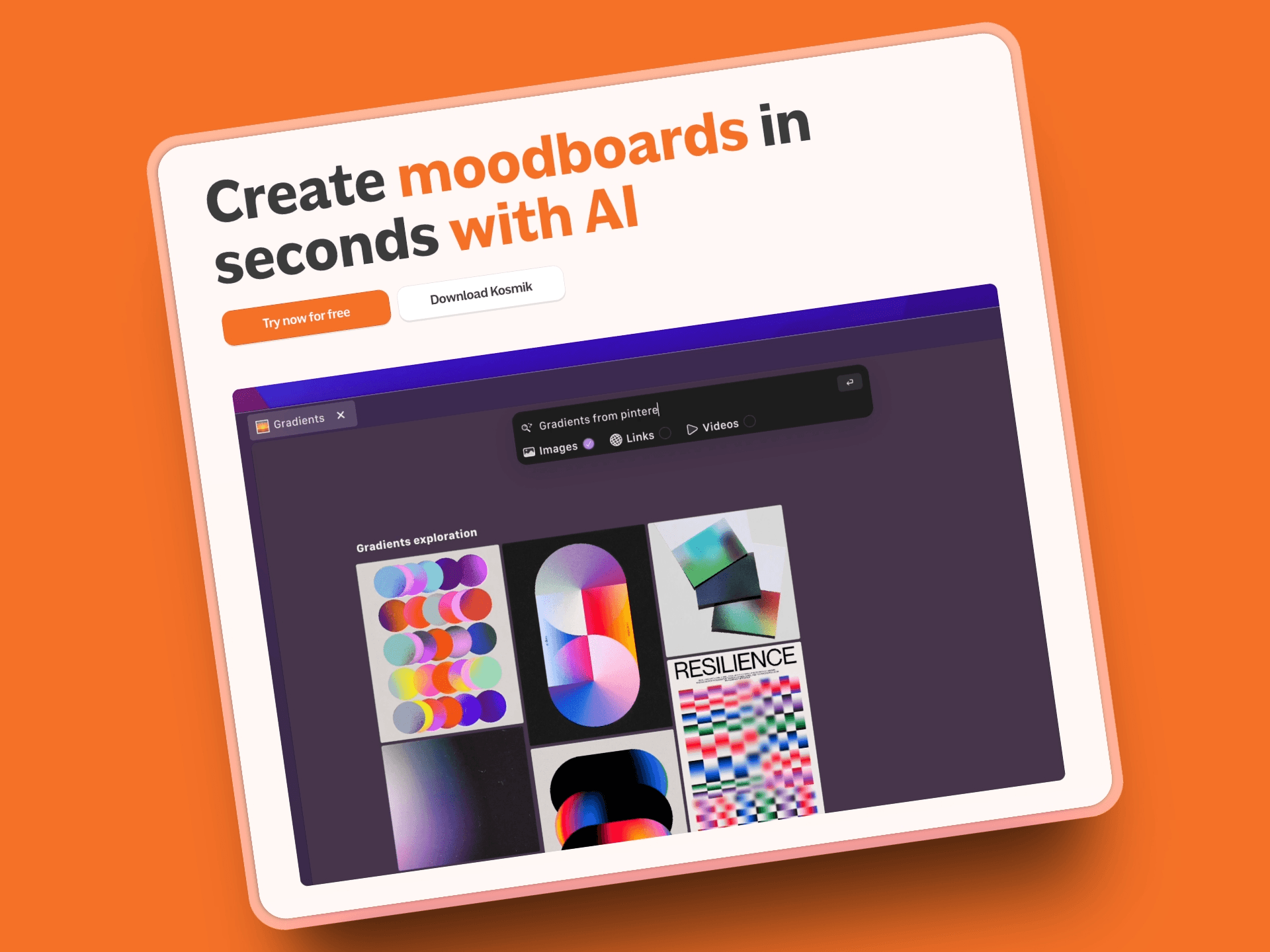
Kosmik is what happens when you build a workspace specifically for people who think visually. Imagine a browser that understands spatial organization, an infinite canvas that holds all your research, and AI that actually helps instead of getting in the way.
Key Features
Built-in browser (Press 'W') eliminates app-switching during research
Infinite canvas for spatial, visual organization
AI auto-tagging automatically categorizes content by colors, themes, subjects
Native support for PDFs, images, videos, web pages in one workspace
Real-time collaboration with shared workspaces and universes
Web Clipper Chrome extension for quick content capture
AI content tools: summarize, explain, describe, speech-to-text
Pros
Zero context switching with built-in browser
Visual organization matches how creative brains work
AI auto-tagging eliminates manual organization burden
All file formats supported natively (no downloads or conversions)
Affordable pricing ($11.99/month yearly for Pro)
1-week free trial with full Pro features
Real-time collaboration without sync issues
Perfect for moodboarding and visual research
Cons
No mobile apps yet
Learning curve for users expecting traditional note-taking
Pricing
1-Week Free Trial: Full Pro features
Pro: $11.99/month (yearly) or $14.99/month (monthly) - unlimited workspaces, sharing, AI
Ambassador: $16.99/month (yearly, coming soon) - Figma plug-in, brand kits
Enterprise: Custom pricing - team management, dedicated support
User Reviews
Kosmik has positive reviews on Tool Finder. Users consistently praise the built-in browser feature as a game-changer for research workflows, eliminating the need to constantly switch between apps while building visual workspaces.
Why Kosmik is the Best Microsoft Whiteboard Alternative
Kosmik solves Microsoft Whiteboard's biggest pain points head-on. The built-in browser eliminates the constant app-switching that plagues MS Whiteboard users drowning in browser tabs. Where Microsoft limits you to three pen colors and basic tools, Kosmik offers an infinite canvas that supports every file type natively.
The AI auto-tagging feature means no more manual organization, while real-time collaboration actually works without sync errors. For visual thinkers, researchers, and creative professionals who need more than basic sticky notes, Kosmik delivers a truly spatial, intelligent workspace that understands how you actually work.
Best For
Designers creating moodboards
Researchers organizing multi-source information
Content creators managing visual inspiration
Teams needing both async and real-time collaboration
Visual thinkers who organize spatially rather than hierarchically
2. Miro: Best for Enterprise Teams and Large-Scale Collaboration
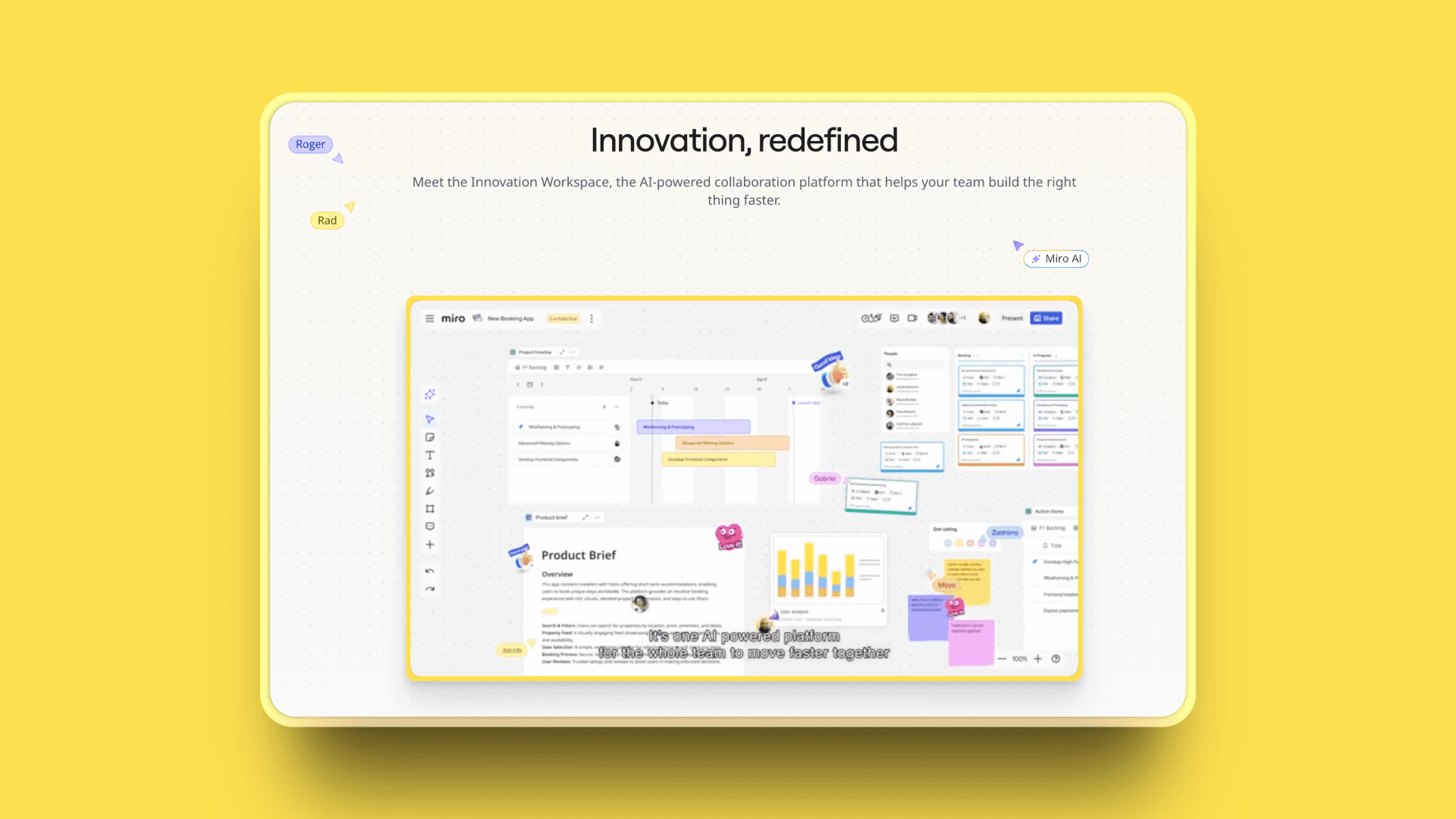
Miro is the enterprise-grade collaboration platform used by over 100 million people worldwide. Think infinite canvas with industrial-strength features for complex workflows and large team coordination.
Key Features
Infinite canvas with extensive template library (7,000+ templates)
Integration with 250+ apps (Slack, Jira, Google Drive, Figma, Notion)
Advanced diagramming and flowchart tools
Miro AI converts sketches to editable diagrams
Enterprise-grade security and admin controls
Video chat integration
Voting and timer features for facilitation
Pros
Extremely comprehensive feature set for complex projects
Robust integration ecosystem (250+ apps)
Proven stability for large teams (50+ users)
Strong workshop and facilitation features
Excellent for product teams and agile workflows
Free tier available for small teams
Cons
Can feel overwhelming for simple brainstorming
Pricing increases significantly for larger teams
Learning curve steeper than simpler alternatives
Large boards can become cluttered
Pricing
Free: 3 boards, unlimited team members
Starter: $8/member/month - unlimited boards
Business: $16/member/month - advanced features
Enterprise: Custom pricing
User Reviews
Miro has a 4.7/5 stars rating on G2. Users highlight the extensive integration ecosystem and enterprise-grade stability as Miro's standout strengths, making it reliable for large-scale collaboration across distributed teams.
Best For
Enterprise teams managing complex projects
Product managers running agile workflows
Consultants facilitating design thinking workshops
Large teams (50+ members) needing robust collaboration
3. FigJam: Best for Design-Focused Teams
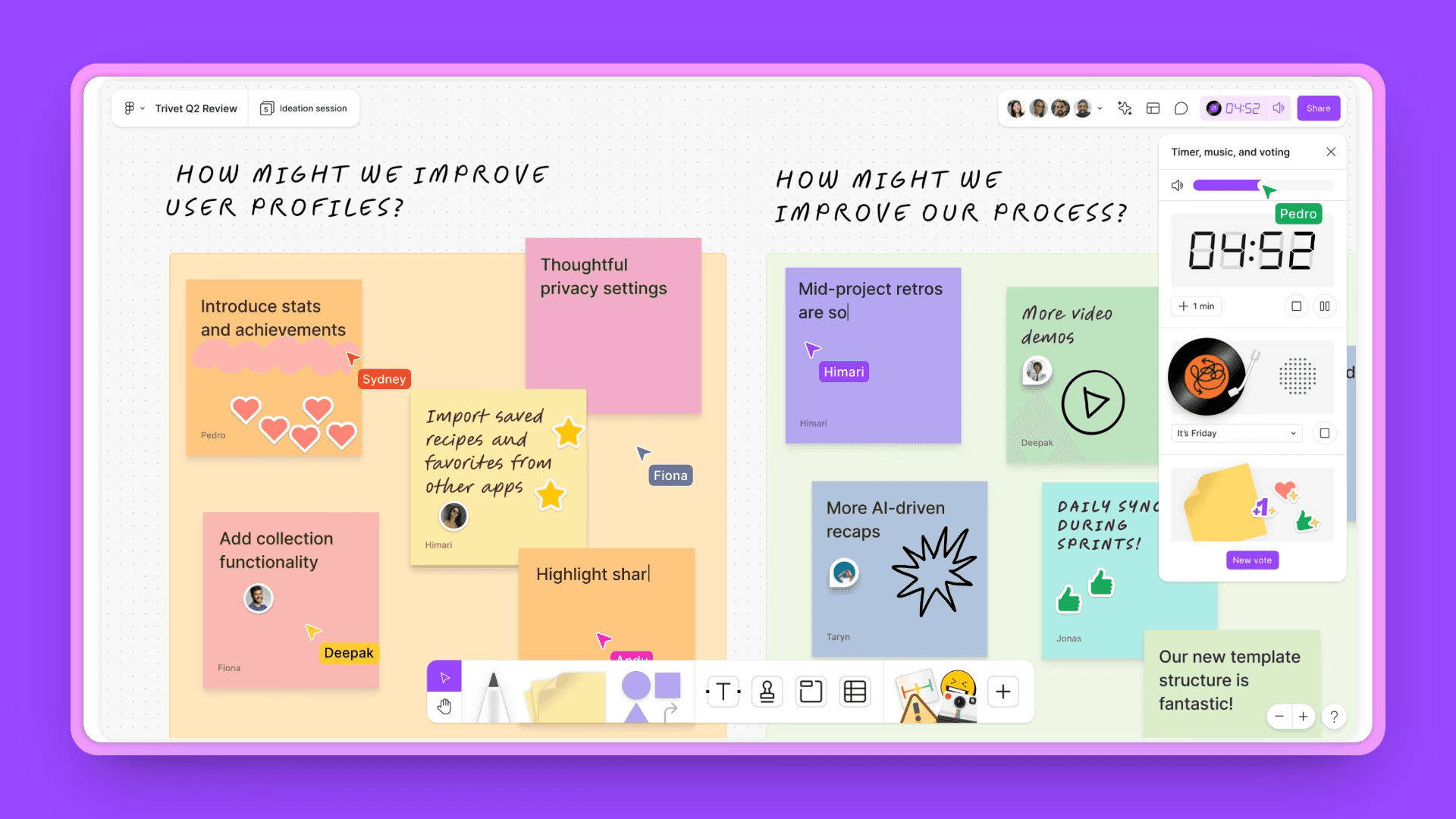
FigJam is Figma's collaborative whiteboard designed for design teams who need seamless transition between brainstorming and detailed design work.
Key Features
Seamless Figma integration (transition from whiteboard to design)
Intuitive sticky notes, shapes, and drawing tools
Real-time collaboration with multiplayer features
Audio chat built-in
Template library focused on design workflows
Jambot AI for idea generation and organization
Stamp and emoji reactions for async feedback
Pros
Extremely user-friendly with minimal learning curve
Perfect for design teams already in Figma ecosystem
Smooth transition between brainstorming and detailed design
Free tier with unlimited files and 3 boards
Fast performance and clean interface
Great mobile app with stylus support
Cons
Less robust for non-design workflows
Limited integration options outside Figma
Fewer templates than Miro or Mural
Less structural control for complex project planning
Pricing
Free: Unlimited files, 3 FigJam boards
Professional: $15/seat/month (billed annually) - FigJam included with Figma Professional seat
Organization: $45/seat/month - FigJam included with advanced team features
Enterprise: $75/seat/month - FigJam included with enterprise-grade features
Note: As of March 2025, FigJam is bundled with Figma seats and no longer sold separately.
User Reviews
FigJam has a 4.6/5 stars rating on G2. Users love the seamless transition from brainstorming to detailed design work within the Figma ecosystem, calling it the smoothest whiteboard-to-design workflow available.
Best For
Design teams using Figma
UX/UI designers brainstorming interfaces
Creative professionals needing quick visual collaboration
Teams wanting a simple whiteboard for rapid ideation
4. ClickUp Whiteboards: Best for Project Management Integration

ClickUp Whiteboards offer whiteboard features tightly integrated with ClickUp's project management platform, allowing seamless conversion from brainstorming to task execution.
Key Features
Direct task conversion from whiteboard ideas to actionable tasks
Integrated workflow (whiteboards live alongside docs, lists, and spaces)
Real-time collaboration and presentation features
AI-powered features turn text into visuals within whiteboard
Share whiteboards instantly, embed within ClickUp, or export to PDF
Seamless navigation between Whiteboards, Docs, tasks, and dashboards
Chat integration for brainstorming and tracking work
Pros
Free tier includes unlimited whiteboards
Direct whiteboard-to-task conversion
Tight integration with ClickUp's full project management suite
AI features for visual creation
Real-time collaboration
Cons
Unlimited plan has cap of 10 whiteboards (may require upgrade)
Performance can be slow on mobile or with large whiteboards
Whiteboards feature still evolving
Pricing
Free Forever: $0 - Unlimited whiteboards
Unlimited: $7-10/user/month - Maximum 10 whiteboards
Business: $12/user/month - Unlimited whiteboards, mind maps, dashboards
Enterprise: Custom pricing
User Reviews
ClickUp has a 4.7/5 stars rating on G2. Users praise the direct whiteboard-to-task conversion as a productivity game-changer, eliminating the friction between ideation and execution that plagues other platforms.
Best For
Teams needing project management integration
Product teams wanting to connect brainstorming to task execution
Teams already using ClickUp ecosystem
Startups and small teams (free tier is generous)
5. Lucidspark: Best for Structured Facilitation
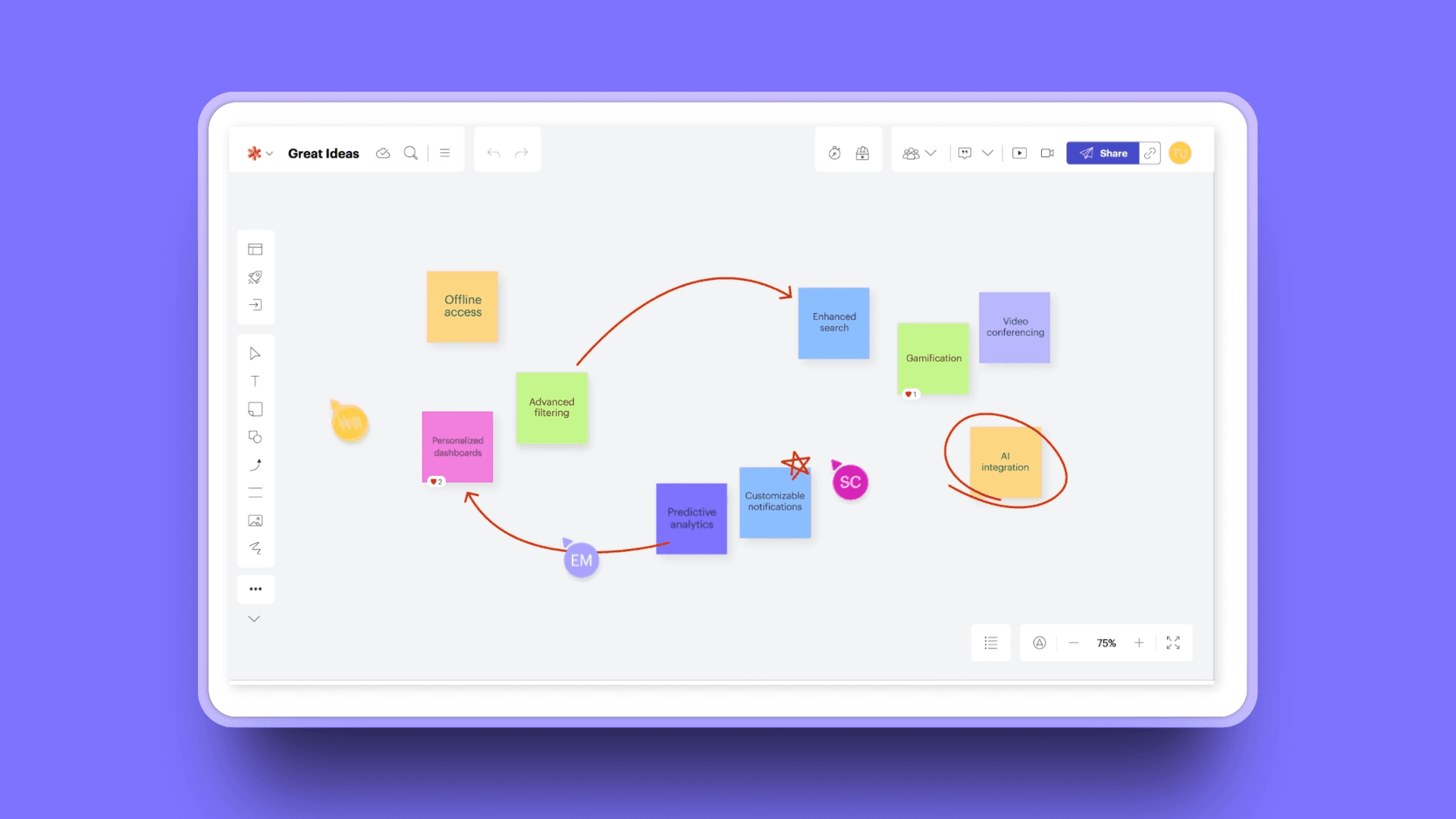
Lucidspark provides collaboration and brainstorming features with emphasis on structured facilitation, offering tools like voting, timers, and breakout boards for workshops and strategy sessions.
Key Features
Collaboration tools: sticky notes, commenting, freehand drawing
Built-in timer for time-boxed sessions
Voting features: up-votes and dot voting for decision-making
Breakout boards divide teams into separate workspaces
Integrations with multiple apps
Built-in chat
Pre-built templates for various use cases
Collaborative AI for ideation and organization
Pros
Excellent for structured workshops and facilitation
Voting and timer features for decision-making
Real-time collaboration with minimal bugs
Intuitive interface
Good value for money (especially free version for basic needs)
Cons
Can be expensive, especially for students and small businesses
Overwhelming for first-time users
Not intuitive for all functionality
Limited free version with inflexible pricing plans
Pricing
Free Plan: Available with limited features
Individual: $7.95/month
Team: $9.00/user/month
Enterprise: Custom pricing
User Reviews
Lucidspark has a 4.5/5 stars rating on G2. Users consistently rate the facilitation tools (voting, timers, breakout boards) as best-in-class for running structured workshops and decision-making sessions.
Best For
Workshops and strategy sessions
Teams needing structured facilitation tools
Agile teams running retrospectives and planning sessions
Consultants facilitating design thinking exercises
6. Mural: Best for Design Thinking Workshops
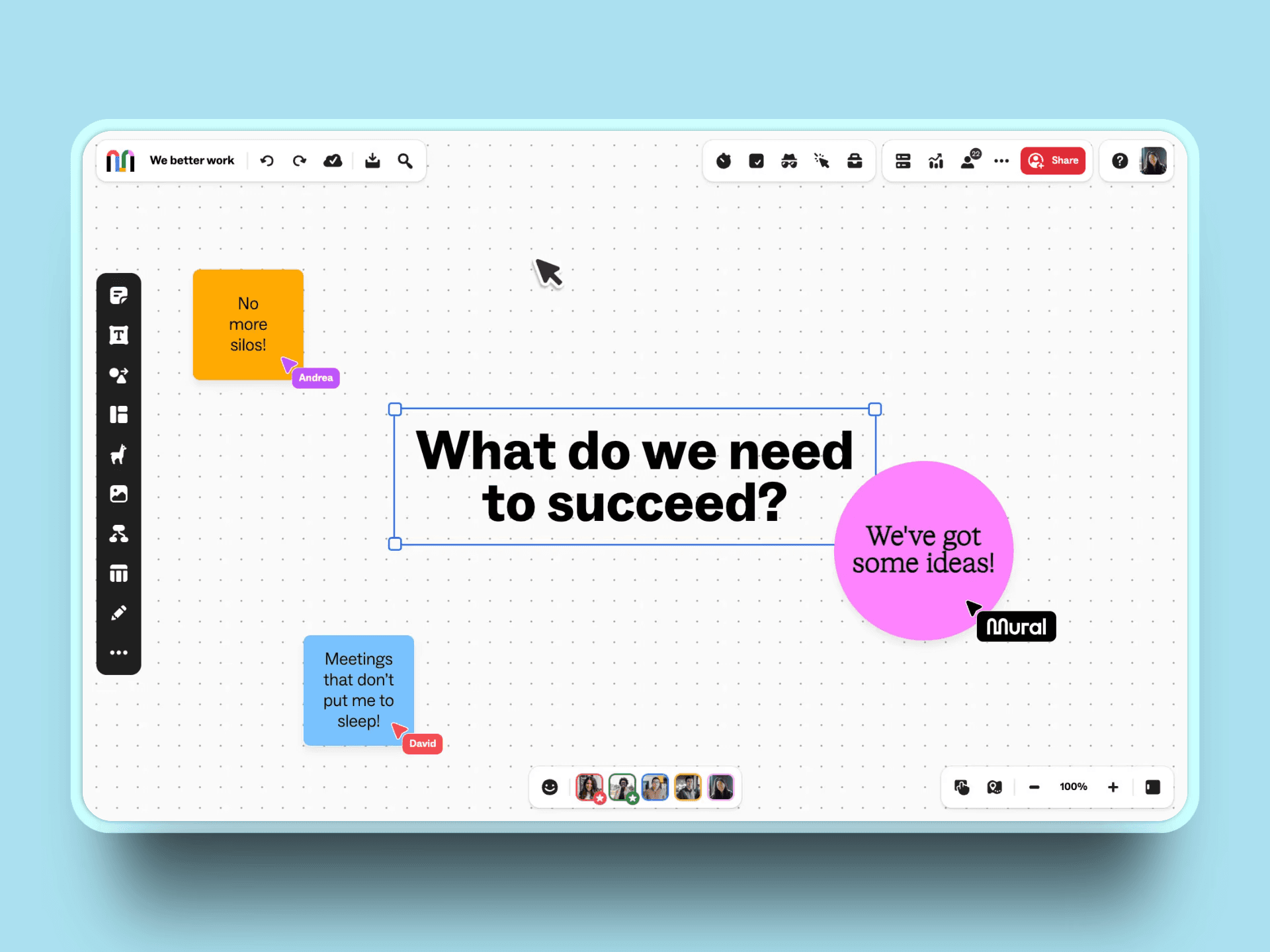
Mural is an AI-powered visual workspace designed for design thinking workshops and structured collaboration, with over 300+ templates and facilitation features.
Key Features
Over 300+ expert-designed templates for design thinking
Mural AI: generative mind maps, sticky note clustering, template generation
Design thinking canvas structures project kick-offs
Design thinking workshop template accommodates up to 20 participants
Facilitation features: polls, post-meeting debriefs, voting tools, timers
Infinite canvas for visual collaboration
Real-time visual feedback with multiple collaboration modes
Pros
Best-in-class design thinking templates
Strong facilitation features (voting, timers, private mode)
AI-powered organization and ideation
Expert-designed methods with AI guidance
Good for structured workshops
Cons
More expensive than some alternatives ($9.99-17.99/month)
Less comprehensive integration ecosystem than Miro
Smaller template library than Miro (300+ vs 1,000+)
Pricing
Free: $0 - 3 murals, unlimited members
Team+: $9.99/member/month (yearly) or $12/month (monthly) - unlimited murals
Business: $17.99/user/month - advanced integrations, custom templates
Enterprise: Custom pricing
User Reviews
Mural receives a solid f 4.6/5 stars on G2. Users highlight the 300+ expert-designed design thinking templates as unmatched, providing proven methodologies that guide teams through complex innovation processes.
Best For
UX teams running design thinking workshops
Consultants facilitating structured sessions
Design teams needing pre-built methodologies
Teams running customer research and sentiment analysis
7. Milanote: Best for Visual Moodboarding
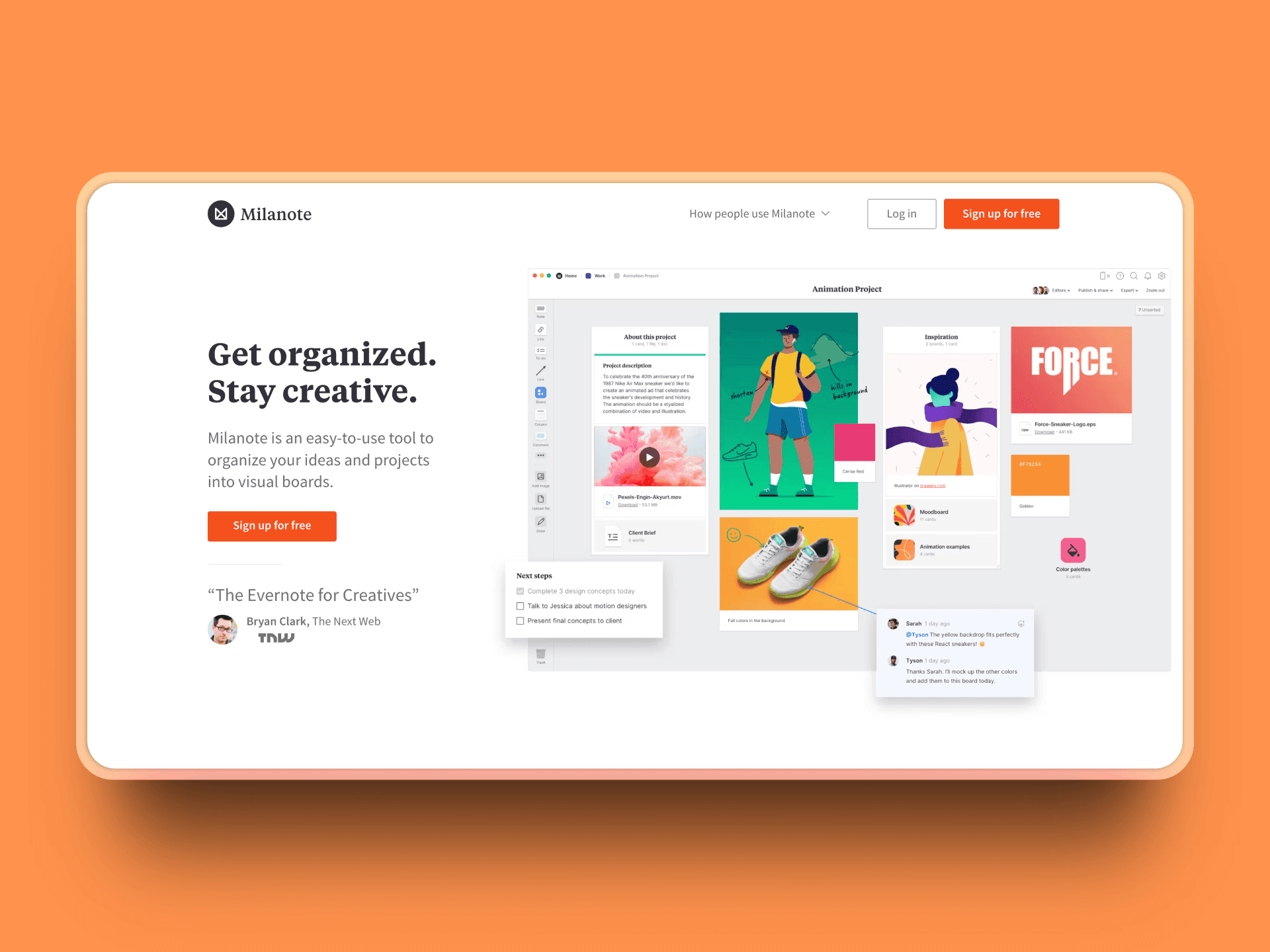
Milanote is a visual workspace specifically designed for creative professionals to organize moodboards, inspiration, and creative projects using a flexible drag-and-drop interface.
Key Features
Visual boards organize PDFs, color swatches, design files, animated GIFs, videos
Drag-and-drop interface for arranging files across moodboards
Moodboarding tools with Pexels integration for free professional photos
Perfect for setting visual direction for creative projects
Templates customizable according to individual workflows
Task management: real-time editing, content management, file sharing
Pros
Purpose-built for visual moodboarding
Intuitive drag-and-drop interface
Supports multiple file types (PDFs, GIFs, videos, color swatches)
Pexels integration for instant photo access
Generous free tier (100 notes/images/links)
Affordable Pro plan ($9.99/month)
Cloud-based workspace accessible from anywhere
Cons
No offline access (critical limitation)
Limited compared to full-featured whiteboards
Focused on creative/design use cases only
Pricing
Free: $0 - 100 notes, images, or links; 10 file uploads
Pro: $9.99/month (yearly) or $12.50/month (monthly) - unlimited everything
Team Plans: Available for 10, 20, and 50 team members with 50% savings
User Reviews
Milanote has a 4.7/5 stars rating on Capterra. Creative professionals praise the intuitive drag-and-drop interface and Pexels integration, making visual moodboarding feel natural and effortless.
Best For
Designers creating moodboards and style guides
Creative professionals collecting visual inspiration
Filmmakers planning visual direction
Design teams organizing client assets
Anyone needing visual project planning
8. Conceptboard: Best for Client Collaboration
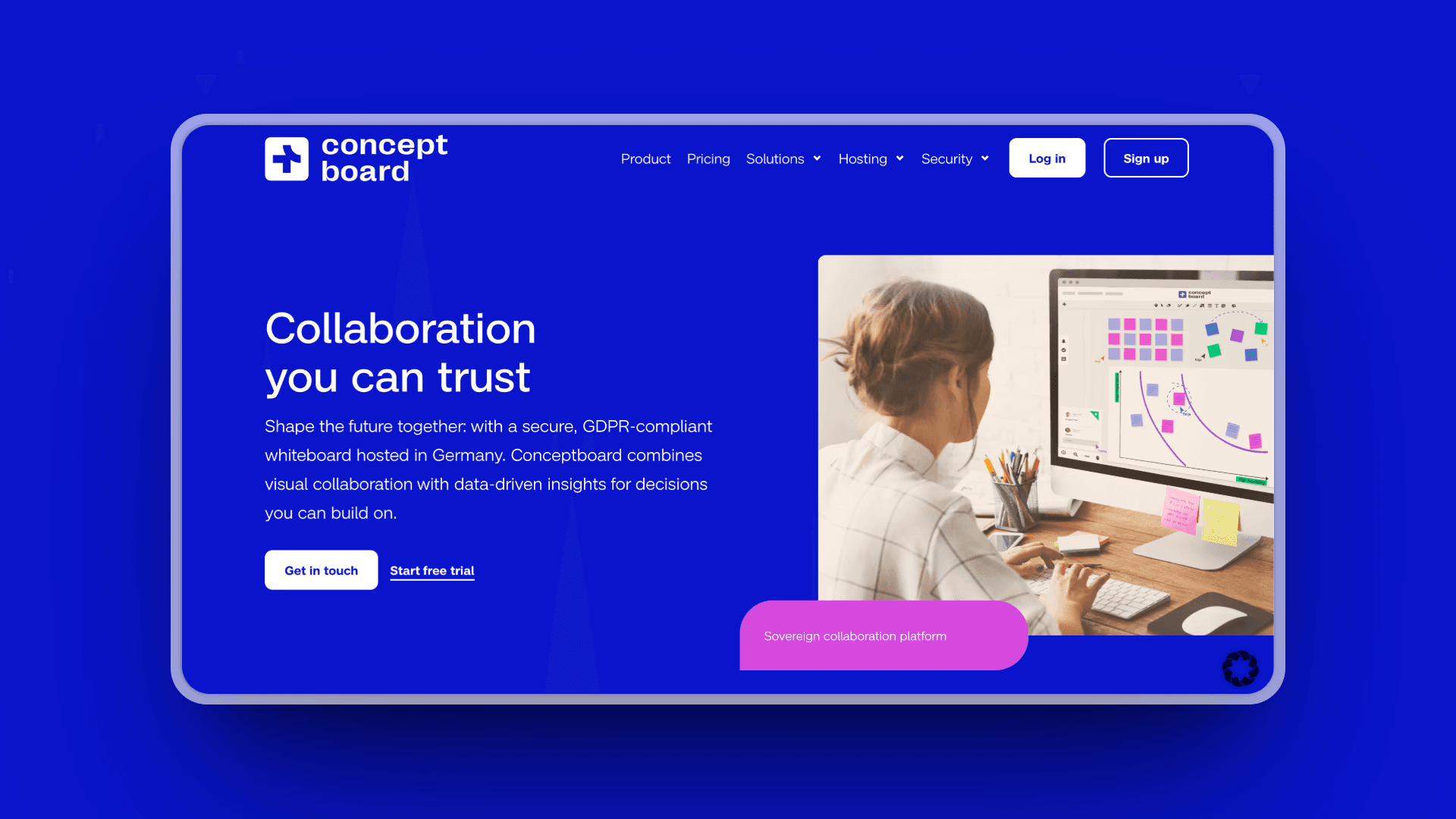
Conceptboard is a GDPR-compliant, security-focused whiteboard platform designed for collaborating with external clients, suppliers, and partners without requiring them to create accounts.
Key Features
GDPR compliance: ISO27001, ISO 27017, ISO 27018-certified
Client-friendly sharing: board visitors collaborate without extra cost
No account required for guests
2-factor authentication and encryption
Hosted in certified data centers in Germany
Board approval workflow for client sign-off
Infinite canvas with sticky notes, live cursors, drawing features
Audio, video, and screensharing from within platform
Pros
GDPR-compliant and security-focused (German data centers)
Client-friendly (guests don't need accounts)
Affordable pricing (starting at $6/month)
Board approval workflow for client sign-off
Unlimited whiteboards on all paid plans
Strong for agency-client collaboration
Cons
Smaller template library than Miro/Mural
Fewer integrations than enterprise platforms
Less AI-powered features
Minimum 10 users required for Business plan
Pricing
Premium: €5.00/month ($6/user, annual) or €6.25/month ($7.50, monthly) - unlimited whiteboards
Business: €10.00/month ($12/user, annual, minimum 10 users) or €12.50/month ($15, monthly)
Enterprise: Starting at 100 annual licenses
Public Sector: Starting at 50 annual licenses
User Reviews
According to Capterra user reviews, Conceptboard has a 4.6/5 star rating based on 42 reviews. Agencies and consultants love that clients can collaborate without creating accounts, making external collaboration frictionless while maintaining GDPR compliance.
Best For
Agencies collaborating with clients
Teams needing GDPR compliance
European organizations requiring data sovereignty
Consultants sharing boards with external stakeholders
Teams working with clients who shouldn't need accounts
9. Boardmix: Best Budget-Friendly Alternative
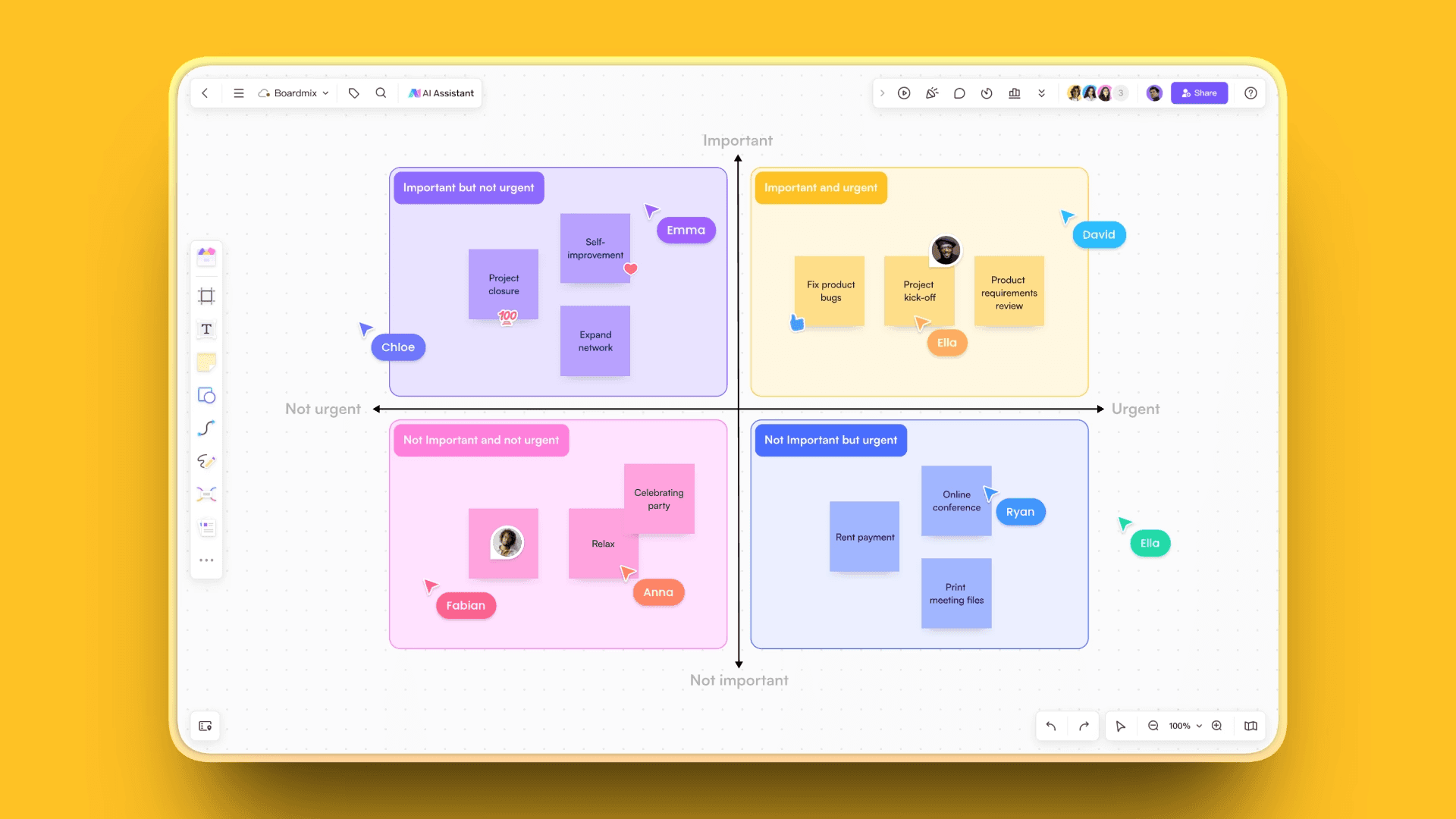
Boardmix is an AI-powered online whiteboard offering robust features at significantly lower pricing than competitors like Miro and Mural, making it ideal for startups and budget-conscious teams.
Key Features
AI-powered creation: mind maps, diagrams, presentations, sticky notes in seconds
Integrated AI tools: AI Flowchart, AI Whiteboard
Handwriting recognition and auto-shape creation
Collaboration supports over 500 simultaneous users
Brainstorming tools: AI-powered mapping, diagramming, project management
Cost-effective: Business plan at $4.90/month (significant saving vs Miro $8)
Lifetime license option available
Pros
Extremely budget-friendly ($4.90/month vs Miro $8/month)
Lifetime license option available ($79-99)
Robust AI features at lower cost
Supports 500 simultaneous users
Free plan includes AI credits
Cons
Newer platform with fewer user reviews
Smaller community and template library
Less established brand
Fewer third-party integrations
Pricing
Free: $0 - 3 editable boards, 200 objects per board, 500 AI credits
Business: $4.90/member/month (annual) or $7.90/month (monthly) - unlimited boards and projects
Boardmix AI: $6.9/member/month (annual) or $9.9/month (monthly) - unrestricted AI features
Enterprise: Custom pricing
Lifetime Deal: Starting at $79 (regular price $248)
User Reviews
Boardmix has a 4.2/5 rating on Capterra. Users appreciate the robust AI features at a fraction of competitor pricing, with the lifetime license option being particularly attractive for budget-conscious teams.
Best For
Startups and small teams on tight budgets
Teams wanting AI features without premium pricing
Organizations preferring lifetime licenses
Budget-conscious users seeking Miro/Mural alternatives
10. Draw.Chat: Best for No-Registration Quick Collaboration
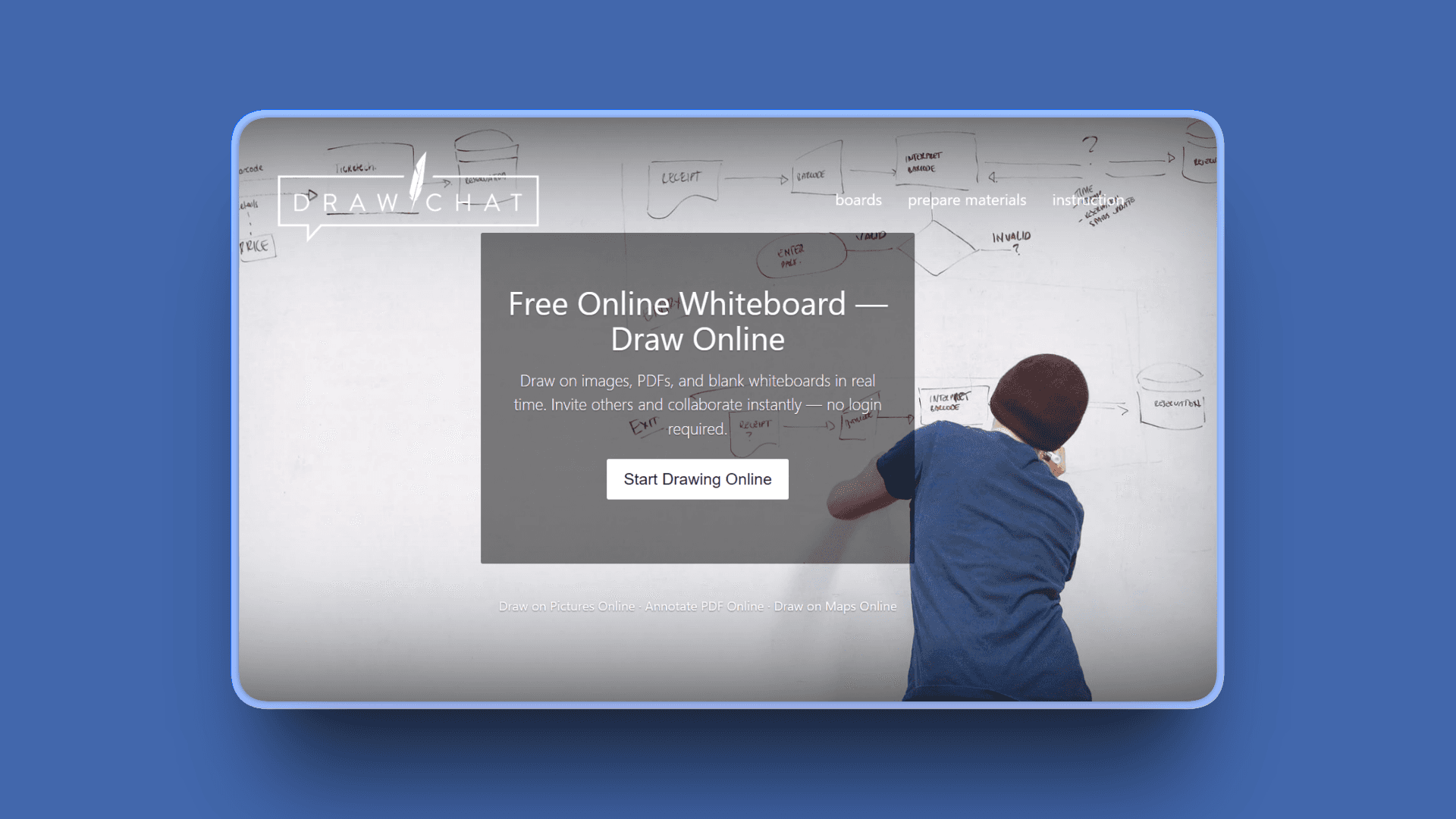
Draw.Chat is a free online whiteboard for drawing, sketching, and collaboration where users can start a board and invite others without any registration.
Key Features
No registration: create boards with one click, no sign-up needed
PDF and image upload: draw directly on documents in real time
Real-time collaboration with multiple participants
Built-in chat and video for communication
Unique URLs for each board to share
Device compatibility: works in browser on desktop, mobile, tablet with stylus
Board storage: boards stored for minimum 31+ days
Education-friendly: teachers and students collaborate without login
Pros
Completely free
No registration or sign-up required
Instant collaboration (share link and start)
Works on all devices (desktop, mobile, tablet)
PDF and image annotation support
Built-in video and text chat
Cons
No persistent user accounts
Limited organization features
Boards expire after 31+ days
No advanced templates or AI features
Not suitable for complex professional workflows
Pricing
Completely Free: $0 - No registration required
User Reviews
Draw.Chat has a 4.7/5 star rating on Capterra. Users highlight the instant, no-registration access as the ultimate convenience for quick collaboration sessions when you just need to sketch ideas immediately.
Best For
Quick, informal collaboration sessions
Teams needing instant whiteboard without setup
Educational settings (teachers and students)
Casual brainstorming
Privacy-conscious users who don't want accounts
One-off collaboration sessions
11. Ziteboard: Best for Math/STEM Education
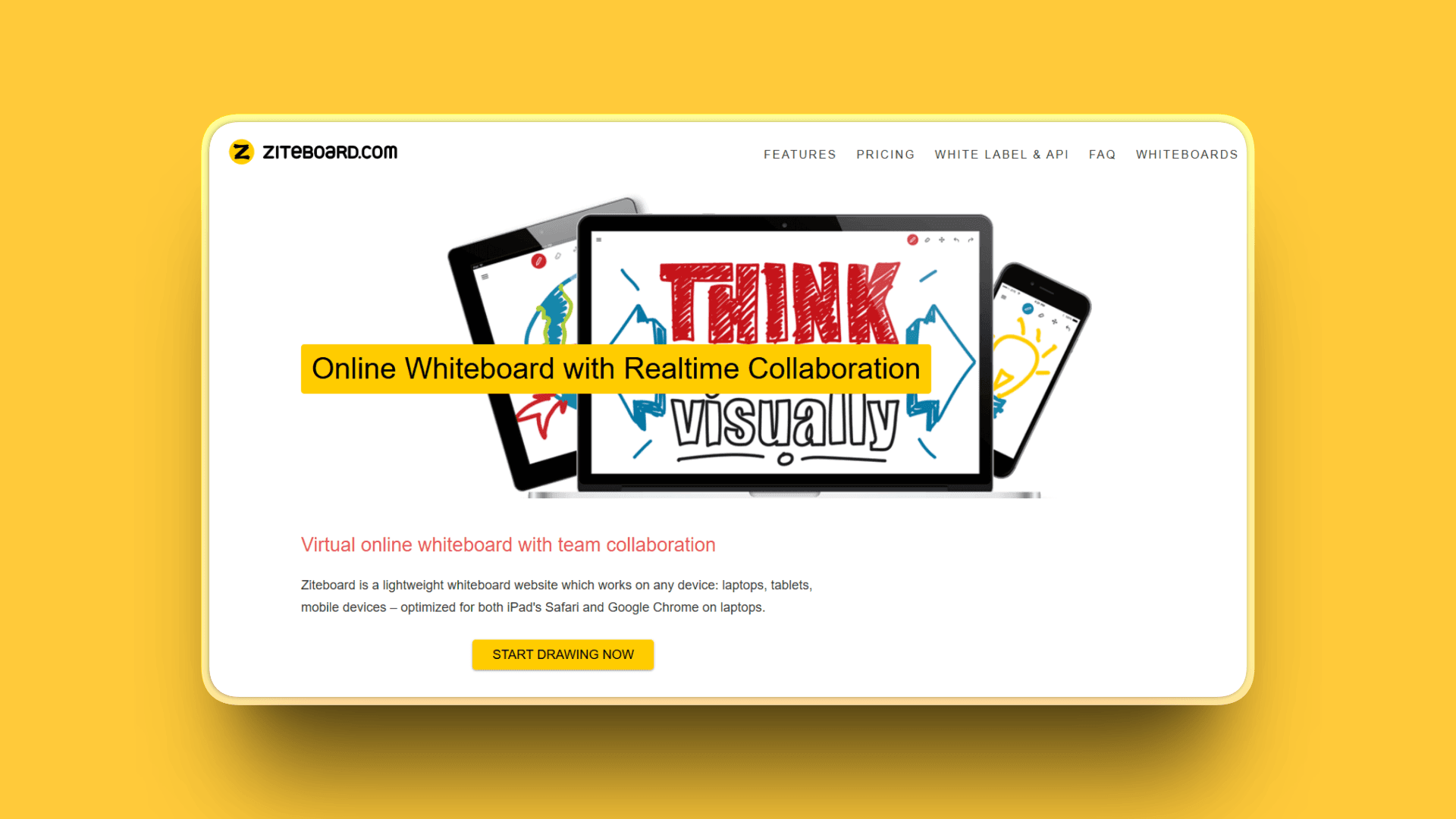
Ziteboard is a clean collaboration software designed specifically for online tutoring, with specialized tools for mathematics, science, and STEM subjects.
Key Features
Math tools suite: formula editor with LaTeX input or virtual keyboard
Graph plotter visualizes mathematical functions
Interactive compass for geometry constructions
In-app voice and video chats
Students can join video calls with Free accounts
Export to SVG files for image editors and PDF documents
Device compatibility: browser-based, accessible from any device
Pros
Free tier available for teachers
Purpose-built for math/STEM tutoring
LaTeX support for mathematical formulas
Graph plotting for visualizing functions
Geometry tools (interactive compass)
Simple and intuitive interface
In-app video/audio chat included
Quick connectivity and instant transmission
Cons
Limited advanced collaboration tools
Not suitable for complex business projects
Can be laggy at times
Shape recognition not easy to use
Fewer integrations than general whiteboards
Pricing
Free: $0 - Essential features for teachers
Pro: Paid subscription - HD exports, audio/video conferencing
Subscription options: one week, monthly, yearly
User Reviews
Ziteboard has a 4.4/5 star rating on G2. Users love how simple and intuitive the interface is, they also praise how it makes real-time collaboration and drawing with others really easy across any device
Best For
Math tutors teaching online
Science educators (physics, chemistry)
STEM teachers
One-on-one tutoring sessions
Engineering instruction
Geometry and formula-heavy subjects
12. Excalidraw: Best for Developer-Friendly Sketching
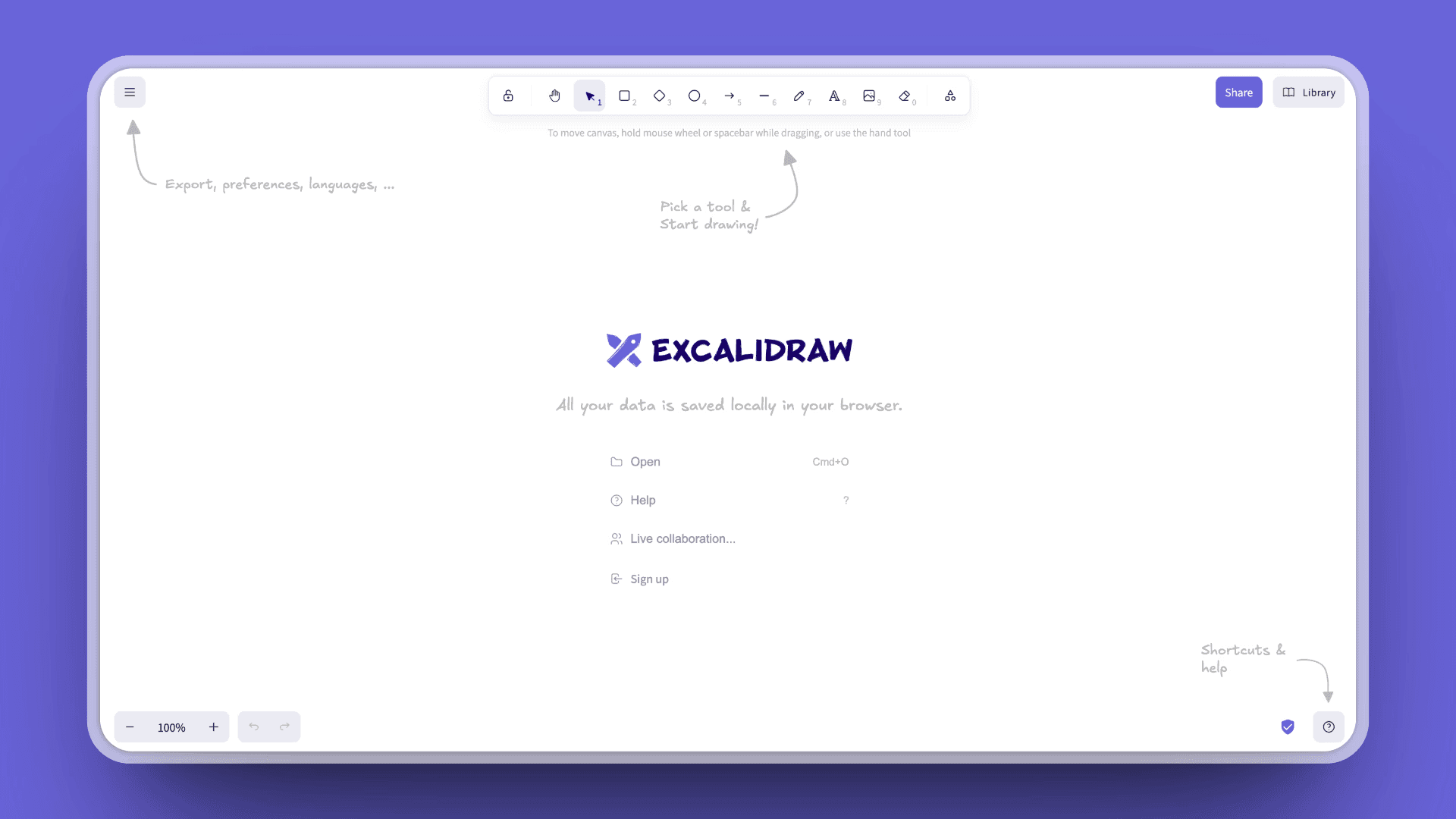
Excalidraw is a free and open-source virtual whiteboard that creates diagrams with a hand-drawn aesthetic, popular among developers and technical teams.
Key Features
Open source: free, with 103,000+ GitHub stars
Hand-drawn aesthetic for beautiful diagrams
Real-time collaboration with teammates or clients
Privacy and security: end-to-end encryption
No sign-up required (use instantly)
Cross-platform: desktop, tablet, phone
Self-hosting support for full control
Offline-first: Progressive Web App works without internet
Export options: PNG, SVG, clipboard
Infinite canvas: start anywhere, expand in any direction
Embeddable in docs
Pros
Completely free and open source
Beautiful hand-drawn diagram aesthetic
End-to-end encryption for privacy
No account required
Offline-first (Progressive Web App)
Self-hosting option
Developer-friendly
Used by major tech companies (Google Cloud, Meta, Notion)
Cons
Basic feature set (intentionally minimal)
No advanced enterprise features
Limited templates compared to paid tools
Fewer collaboration features than enterprise whiteboards
Pricing
Free and Open Source: $0 - No cost forever, no sign-up required
Excalidraw+: Optional paid tier for collaborative workspace features
User Reviews
Excalidraw receives 4.4/5 star rating on G2.
Best For
Developers sketching system architecture
Technical teams creating diagrams
Open-source enthusiasts
Privacy-conscious users
Teams wanting embeddable diagrams
Users preferring hand-drawn aesthetic
Anyone needing offline whiteboard
13. Classroomscreen: Best for K-12 Classroom Management
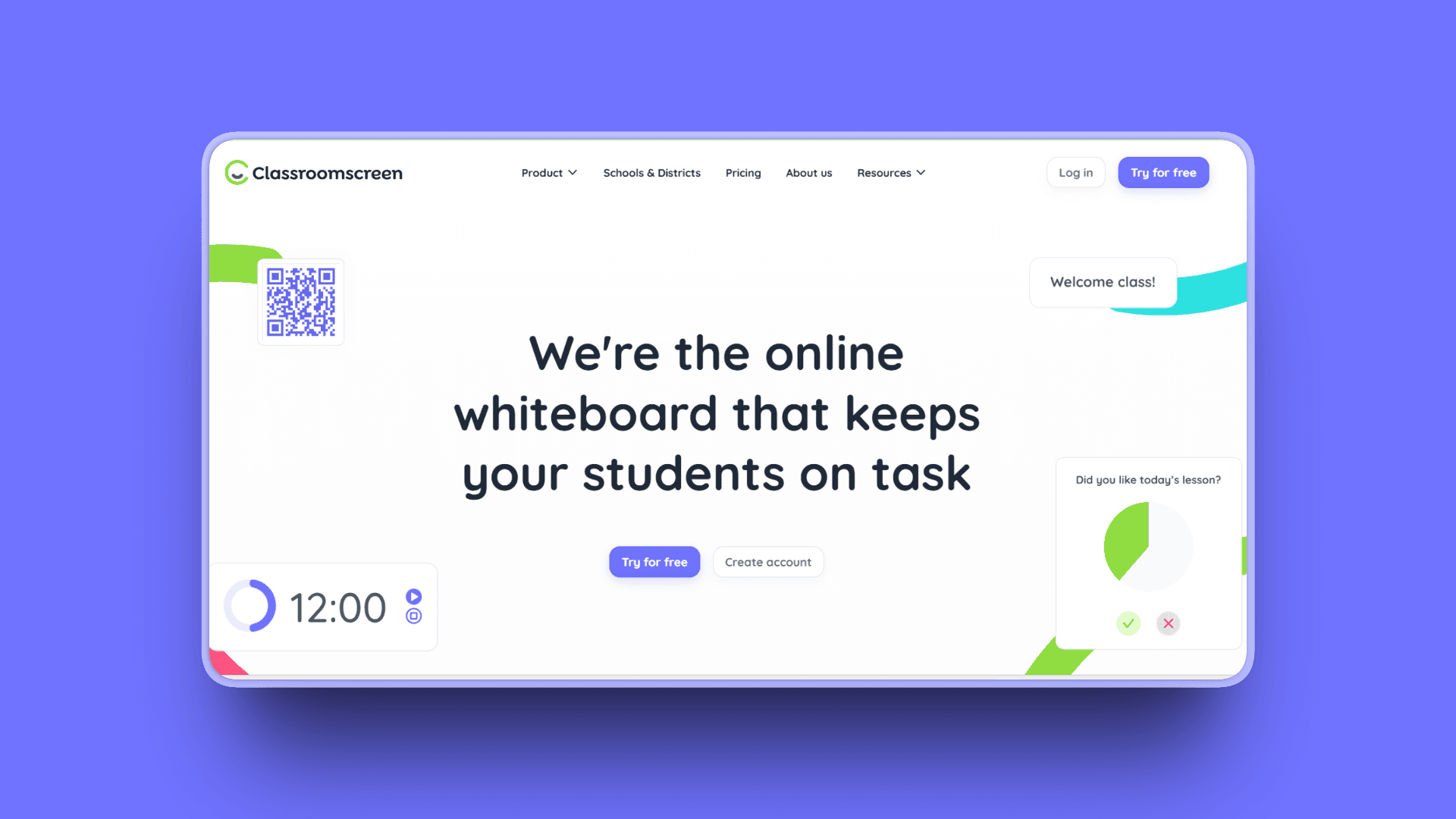
Classroomscreen is a digital classroom management tool designed specifically for K-12 teachers to organize lessons and manage classroom activities, used in 3+ million classrooms worldwide.
Key Features
25 widgets: timers, random name pickers, work symbols, noise level monitors
Clock, calendar, text box, polls, drawing boards
Customizable for each lesson
Dual environment support: in-person and remote learning
Easy to use with minimal learning curve
Time-saving: reduces distractions in traditional and remote classrooms
Pros
Free forever plan with all 25 widgets
Purpose-built for K-12 classroom management
Extremely affordable Pro plan ($3/month)
Used in 3+ million classrooms (proven at scale)
Easy to use with minimal learning curve
Great for both in-person and remote learning
Saves time and reduces distractions
Cons
Not a traditional whiteboard (focused on classroom management)
No automated grading
Limited advanced assessment features
Occasional technical issues
Pricing
Basic: Free forever - all 25 widgets
Pro: $3/month or $36/year - saving and sharing capabilities
Organization: Starting at $135/five licenses/month
User Reviews
Classroomscreen has a 4.9/5 star rating on G2
Best For
K-12 teachers managing classrooms
Elementary school educators
Teachers needing timers, name pickers, noise monitors
Remote learning environments
Schools wanting affordable classroom tools
Teachers seeking simplicity and ease of use
14. Whiteboard.fi: Best for Student Assessment
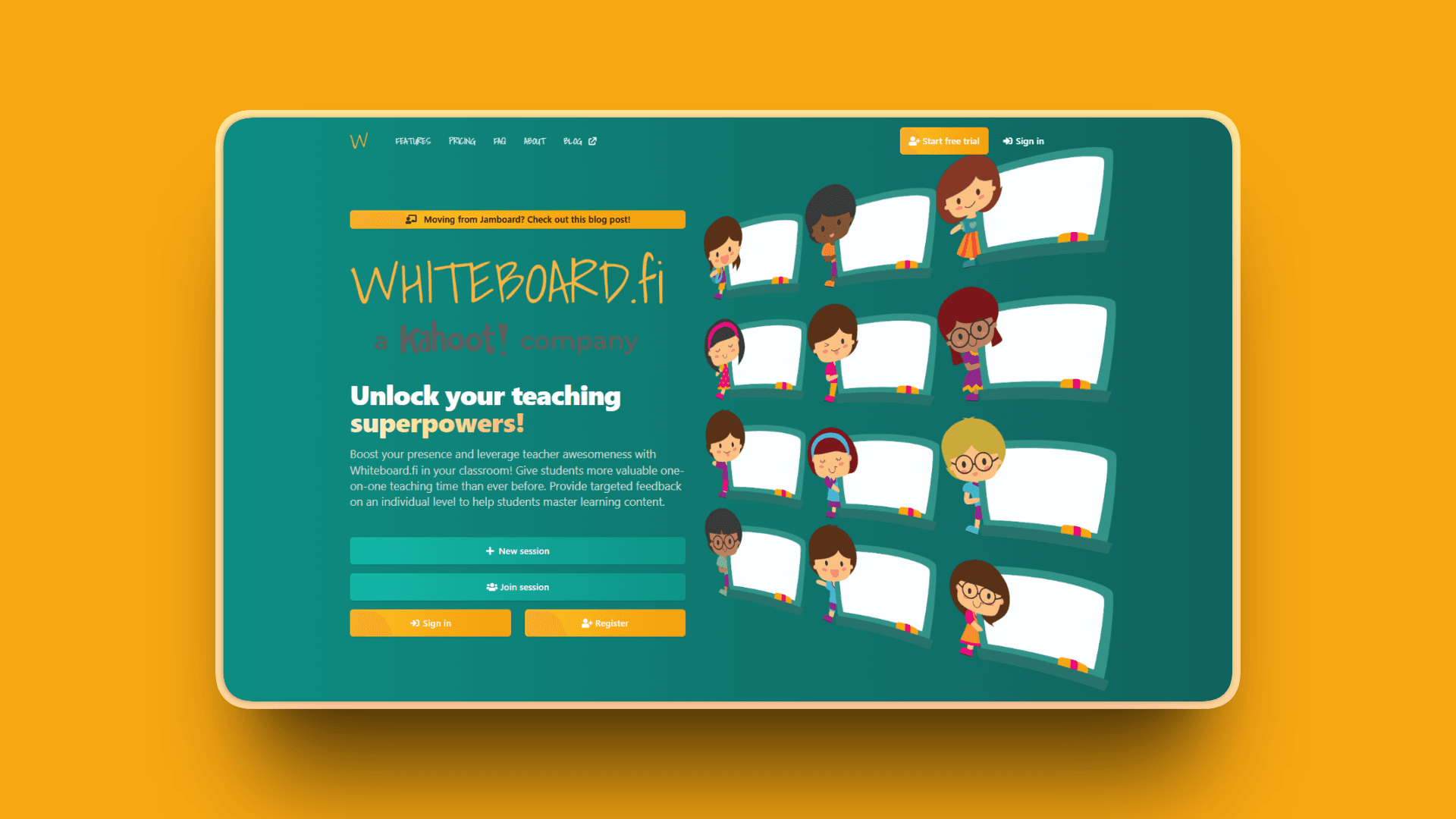
Whiteboard.fi is an instant formative assessment tool for classrooms, providing teachers with live feedback and immediate overview of students' work. Now part of the Kahoot! family.
Key Features
Individual student whiteboards: each student gets their own; teachers see all in real time
Real-time assessment provides instant formative feedback
Privacy and security: students only see their own whiteboard and teacher's
Assignments module: create room-specific assignments students work through at own pace
No installation required: works directly in browser
Drawing tools and text tools (add text and equations)
Image upload, math tools, handwriting recognition
Session history review and export options
SSO integration: multiple login methods (Kahoot, Google, Clever)
Pros
Free plan available ($0/month)
Purpose-built for student assessment
Teachers view all student boards simultaneously
Individual whiteboards ensure focus
Real-time formative assessment
Assignments module for structured learning
Multiple SSO options (Kahoot, Google, Clever)
Part of Kahoot! family (established company)
Cons
Not suitable for business/professional collaboration
Can't drag and drop slides
No tutorial for beginners
Limited to education use cases
Pricing
Free: Core features for teachers
Pro: $7/month - Advanced features and analytics
User Reviews
Whiteboard.fi receives 4.7/5 star ratings on Clever Library.
Best For
K-12 teachers conducting formative assessments
Educators wanting to see individual student work in real time
Teachers tracking student understanding during lessons
Remote and hybrid learning environments
Schools already using Kahoot, Google, or Clever for SSO
Classroom assessment scenarios
Quick Comparison Table
Tool Name | AI Features | Standout Feature | Best For |
|---|---|---|---|
Kosmik | Auto-tagging, smart search, AI content tools | Built-in browser (Press 'W') eliminates app-switching | Visual thinkers, researchers, designers |
Miro | AI diagram conversion, sketch recognition | 250+ integrations and enterprise features | Large teams, complex projects |
FigJam | Jambot AI for brainstorming | Seamless Figma integration | Design teams |
ClickUp | AI task generation, writing assistant | Direct whiteboard-to-task conversion | Teams needing project management |
Lucidspark | Collaborative AI for ideation | Facilitation tools (voting, timers) | Workshops, strategy sessions |
Mural | Mural AI for organization | Design thinking templates | UX teams, consultants |
Milanote | None | Visual moodboarding and inspiration | Creative professionals |
Conceptboard | None | Client-friendly sharing (no account required) | Client collaboration |
Boardmix | AI mind map generation | Budget-friendly pricing ($4.90/month) | Startups, small teams |
Draw.Chat | None | No registration required | Quick, casual collaboration |
Ziteboard | None | Math tools for STEM education | Online tutors, educators |
Excalidraw | None | Hand-drawn sketch aesthetic | Developers, technical diagrams |
Classroomscreen | None | Classroom management widgets | K-12 teachers |
Whiteboard.fi | None | Individual student whiteboards | Classroom assessment |
In summary: The best Microsoft Whiteboard alternatives range from visual thinking workspaces (Kosmik) to enterprise collaboration platforms (Miro, Mural), design-focused tools (FigJam), project management integrations (ClickUp), and specialized education solutions (Whiteboard.fi, Classroomscreen).
How to Choose the Right Microsoft Whiteboard Alternative
What's your primary use case?
For visual thinking and research: Choose Kosmik if you need a built-in browser and spatial organization, or Milanote if you focus on moodboarding and creative projects.
For enterprise team collaboration: Choose Miro for comprehensive features and large teams, or Mural for design thinking workshops.
For design-focused work: Choose FigJam if you're already in Figma, or Kosmik if you need more than basic whiteboarding.
For education: Choose Ziteboard for tutoring, Classroomscreen for classroom management, or Whiteboard.fi for student assessment.
For project management integration: Choose ClickUp Whiteboards to connect brainstorming directly to task execution.
What's your budget?
Free forever: Draw.Chat, Excalidraw, Classroomscreen, Whiteboard.fi
Under $10/month: Boardmix ($4.90), Lucidspark ($7.95), ClickUp ($7)
$10-15/month: Kosmik ($11.99/month billed yearly)
$10-20/month: Miro ($8-16), FigJam ($3-5), Mural ($9.99-17.99)
Enterprise custom: All major platforms offer enterprise pricing
Do you need AI features?
Yes, advanced AI: Kosmik (auto-tagging, smart search), Miro (diagram conversion), Mural (idea generation)
Basic AI assistance: FigJam (Jambot), Lucidspark (collaborative AI), Boardmix (mind maps)
No AI needed: Milanote, Conceptboard, education-focused tools
What's your team size?
Solo or small teams (1-5): Kosmik, Milanote, FigJam, Boardmix
Medium teams (5-20): Lucidspark, Conceptboard, ClickUp
Large teams (20+): Miro, Mural, enterprise tiers of major platforms
What features are non-negotiable?
Must eliminate app-switching: Kosmik (built-in browser)
Must integrate with existing tools: Miro, ClickUp, Mural
Must work offline: Excalidraw (Progressive Web App)
Must be GDPR compliant: Conceptboard
Must be free: Draw.Chat, Excalidraw, education tools
Use-Case Cheat Sheet
Scenario 1: Designer creating a moodboard for client project Best choice: Kosmik or Milanote. Both excel at visual organization and inspiration collection. Kosmik adds built-in browsing; Milanote offers an intuitive drag-and-drop interface.
Scenario 2: Remote team planning quarterly strategy Best choice: Miro or Lucidspark. Miro for comprehensive features and integrations; Lucidspark for structured facilitation with voting and timers.
Scenario 3: Educator teaching math to remote students Best choice: Ziteboard. Purpose-built math tools and STEM-focused features designed for tutoring.
Scenario 4: UX team running design thinking workshop Best choice: Mural. Best-in-class design thinking templates and facilitation features.
Scenario 5: Developer sketching system architecture Best choice: Excalidraw. Hand-drawn aesthetic, developer-friendly, embeddable in docs.
Scenario 6: Researcher organizing multi-source academic research Best choice: Kosmik. Built-in browser, AI auto-tagging, native multi-format support, spatial organization perfect for complex research.
Scenario 7: Startup needing collaboration on tight budget Best choice: Boardmix ($4.90/month) or ClickUp Free tier. Affordable options with solid feature sets.
Scenario 8: Agency presenting concepts to clients Best choice: Conceptboard. Client-friendly sharing without requiring accounts, GDPR compliant.
Scenario 9: Product team integrating whiteboard with sprint planning Best choice: ClickUp Whiteboards. Direct conversion from brainstorming to actionable tasks.
Scenario 10: Teacher assessing individual student understanding Best choice: Whiteboard.fi. Each student gets an individual whiteboard; the teacher views all simultaneously.
Frequently Asked Questions
Basics
What is the best alternative to Microsoft Whiteboard?
The best alternative depends on your use case. Kosmik excels for visual thinkers needing a built-in browser and spatial organization. Miro is ideal for enterprise teams requiring comprehensive collaboration features with 250+ integrations and 7,000+ templates. FigJam suits design teams already using Figma. For education, Ziteboard offers specialized tools for tutoring. Each alternative solves different pain points Microsoft Whiteboard leaves unaddressed.
Is Microsoft Whiteboard free?
Microsoft Whiteboard is included with Microsoft 365 subscriptions, which start at around $6/user/month. While technically not a standalone "free" product, it's available to existing Microsoft 365 users at no additional cost. There is no free standalone version outside the Microsoft ecosystem.
What are the limitations of Microsoft Whiteboard?
Microsoft Whiteboard suffers from sync errors and performance lag, even on high-end systems. It restricts users to only three pen colors at once, lacks offline access, and offers poor mobile experience (especially with Apple Pencil). Recent updates removed key features like copy/paste and dynamic erasing. Export options are limited to PNG images only.
Comparisons
Which is better: Miro or Microsoft Whiteboard?
Miro significantly outperforms Microsoft Whiteboard in features, stability, and flexibility. Miro offers an infinite canvas with 7,000+ templates, integrations with 250+ apps, robust real-time collaboration without sync errors, and AI-powered diagram conversion. While Microsoft Whiteboard is simpler, Miro provides enterprise-grade reliability and comprehensive tools that justify its cost for serious collaboration needs.
Are there free Microsoft Whiteboard alternatives?
Yes. Draw.Chat is completely free with no registration required. Excalidraw is free and open-source. FigJam offers a free tier with unlimited files and 3 boards. Miro provides a free tier with 3 boards. ClickUp includes free whiteboards with unlimited usage. Education-focused tools like Classroomscreen and Whiteboard.fi are free for teachers.
What is the best whiteboard for education?
For K-12 classroom management, Classroomscreen offers purpose-built widgets and timers used in 3+ million classrooms. For individual student assessment, Whiteboard.fi lets teachers view all student boards simultaneously. For online tutoring (especially math and science), Ziteboard provides specialized STEM tools. Each serves different educational needs Microsoft Whiteboard doesn't address.
How-To / Practical
What whiteboard works with Microsoft Teams?
Microsoft Whiteboard integrates natively with Teams. Among alternatives, Miro, Mural, and Conceptboard offer strong Microsoft Teams integrations. Miro's Teams integration allows launching whiteboards directly from meetings. These alternatives provide more robust features than Microsoft Whiteboard while maintaining Teams compatibility for organizations already using Microsoft's collaboration suite.
Can I export from Microsoft Whiteboard to other apps?
Microsoft Whiteboard's export options are limited to PNG images only (standard or high resolution). This makes transferring work to design tools, note-taking apps, or project management platforms difficult. In contrast, alternatives like Miro, FigJam, and Kosmik offer multiple export formats (PDF, SVG, PNG) and integrate directly with other tools, making workflow continuation seamless.
Does Microsoft Whiteboard work on iPad/mobile?
Microsoft Whiteboard has an iPad app, but user reviews report severe problems. Apple Pencil detection is broken (the app treats both pencil and palm touches as finger input, making writing nearly impossible). The Android app is only accessible through Microsoft Teams mobile, with no standalone option. Better mobile experiences are available from FigJam, Miro, and Concepts.
Troubleshooting / Edge Cases
Can I use Microsoft Whiteboard offline?
No. Microsoft Whiteboard requires constant internet connectivity and offers no offline mode. If your connection drops, work stops completely. This is a critical limitation for educators in schools with unreliable WiFi or travelers working remotely. Among alternatives, Excalidraw offers offline functionality through its Progressive Web App, while some tools cache content for temporary offline access.
Why are people leaving Microsoft Whiteboard?
According to user reviews on Microsoft's forums and Capterra, the top reasons are: massive performance lag and crashes (even on high-end systems), unreliable syncing that loses work, recent updates removing features (copy/paste, dynamic eraser), terrible mobile experience (broken Apple Pencil support), limited tool palette (only 3 colors), no offline access, and poor integration outside Microsoft ecosystem.
What whiteboard software has the best collaboration features?
Miro offers the most comprehensive collaboration features with live cursors, instant sync, 250+ integrations, video chat integration, voting tools, and timers. Mural excels in facilitation features for structured workshops. FigJam provides seamless real-time collaboration for design teams. Kosmik offers reliable collaboration without Microsoft Whiteboard's sync errors, plus AI-powered organization that enhances team productivity.
Final Thoughts
The best Microsoft Whiteboard alternatives don't just add features: they solve real problems. Sync errors, app-switching chaos, limited tools, terrible mobile experiences.
Kosmik tops our list because it understands how creative work actually happens. The built-in browser (Press 'W') eliminates the constant jumping between apps that plagues Microsoft Whiteboard users drowning in browser tabs. Instead of fighting with three pen colors and sync errors, you get an intelligent infinite canvas with AI auto-tagging, native multi-format support, and real-time collaboration that actually works. Whether you're building moodboards, organizing research, or coordinating team strategy, Kosmik's spatial approach feels natural rather than restrictive.
Get started with Kosmik and experience visual collaboration designed for how you actually think.